




GrayGrids Team
in Resource
Updated on: 1/20/2026
10+ Best Free No Code Tools You Must Try in 2026
In the early ’70s, computer programs were written manually by specific code languages. The primary language of a computer is binary, and all of the codes are written in this language. So, if you don’t know how to write code, then you can’t use the computer at that time. But now it’s no longer true. You don’t need to learn a code language or a programming language to use a computer. Developers have found a new way to build a program without any programming language: No-Code tools.
What is No Code?
No-code development is a coding platform for building software applications without writing code. This modern, encouraging alternative to conventional software development is for non-technical business users who aspire to create their own full-fledged applications. They use drag-and-drop, add ready–to–use application components, and so on to create websites, database web applications, and mobile apps.
So, with no code, a non-technical guy can develop technical projects that would otherwise require developers.
Why should one use No-Code Tools?
No-code solutions offer numerous benefits, as they are easy to use and allow non-programmers to build apps or workflows quickly. No code is really fast, which is why it is gaining fame.
Previously, building a simple app used to take weeks or months, but now it takes more than an hour or a day. Also, the tools they provide are automatic and easy to use, so you don’t need to learn anything extra about how to use them. Without any coding language, one can easily use these tools cause they mostly include drag-and-drop features.
Though this is a software application that often requires constant changes to add many features, No code has no such confinements. So you don’t need to be concerned about the update process and stuff. On the other hand, a single person can build up an app within an hour without any developer or expert support. Therefore, you won’t have to pay for a large team of expensive professional developers.
Here we present you with some amazing No Code tools that you must try in 2026. Anyway, Let’s not pull the topic anymore and jump into the details.
FormBold
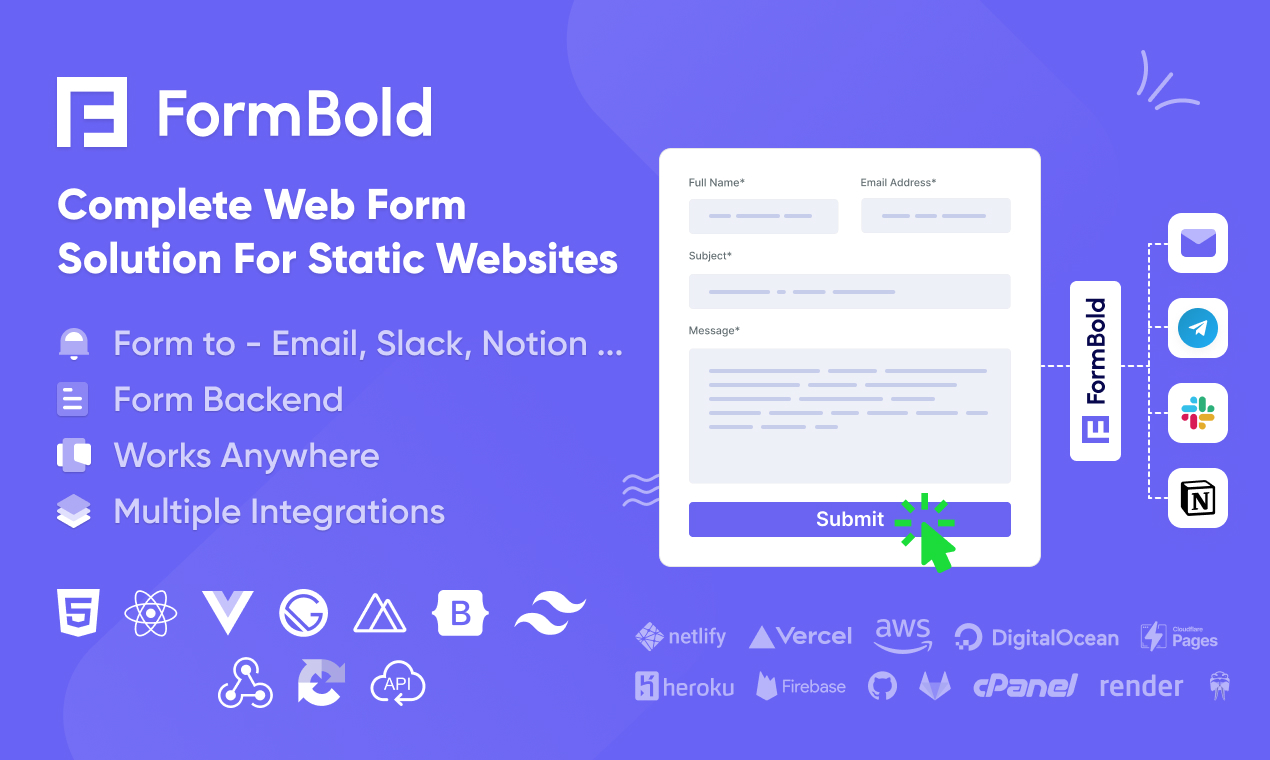
FormBold is a free-form tool that lets you create fully functional, dynamic website forms without coding. They’ve tons of ready-to-use form templates that you can use depending on your needs. Using FormBold is very simple. All you need to do is copy and paste an endpoint URL into your existing web form, and the rest is handled by them. If you are looking for a complete, no-code web form solution, FormBold is the perfect choice.
Bubble
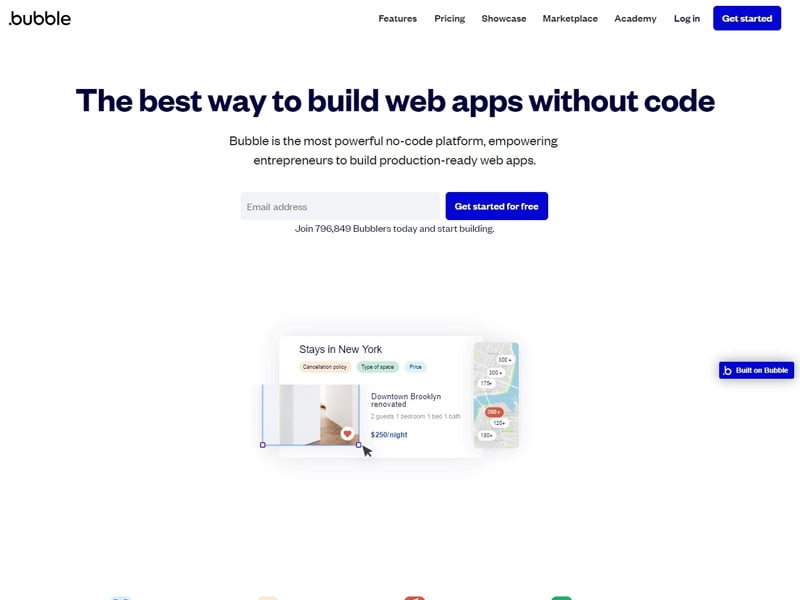
Bubble lets you prototype an entire app without knowing any programming languages. With a visual kit of components, this tool lets you build and launch a full app in hours with high efficiency. Also, it is functional and easy to use, and comes with a lot of options for functional customization.
Voiceflow
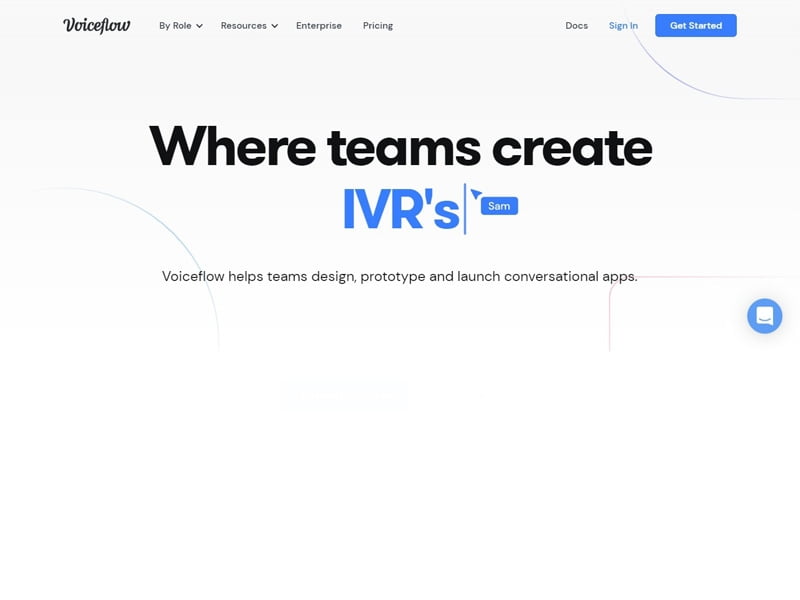
Voiceflow is a free no-code tool that helps develop voice apps for major companies like Alexa and the Google Assistant. Also, the features that Voiceflow has, one can prototype on the browser or try it on the actual voice device, and upload it with just a click. Moreover, the drag-and-drop blocks help to develop the induction and construction for quick application development.
Webflow
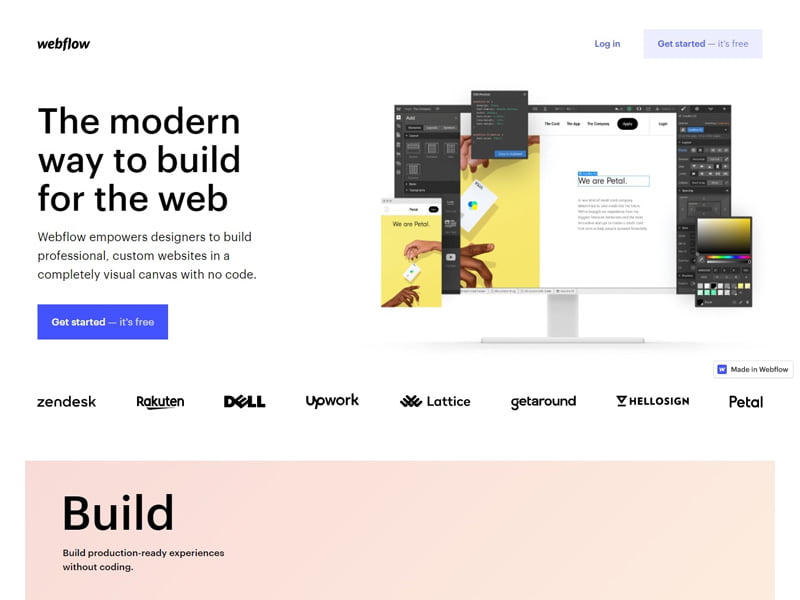
Webflow lets you build a professional, responsive website. With this platform, you can make any website you want without any knowledge of coding. Also, it has the feature of customization and ready-made templates, so you can build anything from scratch and enjoy your fully responsive creation.
Carrd
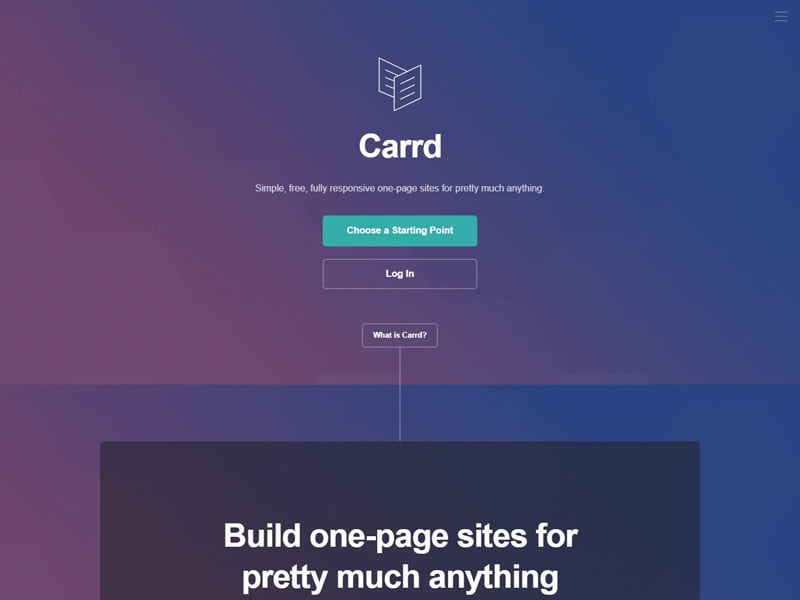
For a simple one-page site or landing page, Carrd is a good choice. Though it’s a website builder like Webflow, this platform offers many quicker, easier ways to build a website. You can customize your website with the templates, and it’s all free.
Scapic
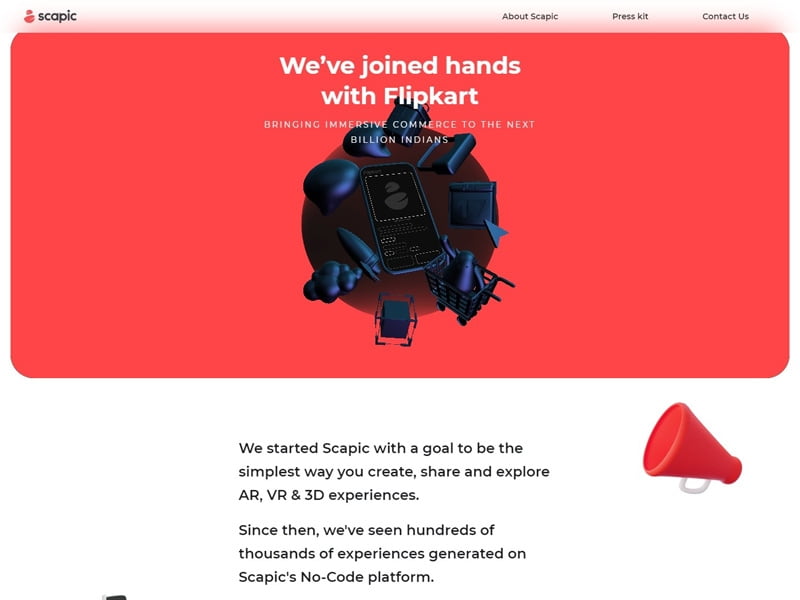
Scapic is a no-code platform for online shopping stores. This tool has AR Designs that are easy to capture customers’ attention. Also, the artistic templates support user drag-and-drop and provide a better CX, making them a great way to increase conversions. Moreover, having this flashy AR feature gives Scapic a value-added tool for the eCommerce store and for starting a new business enterprise.
Parabola
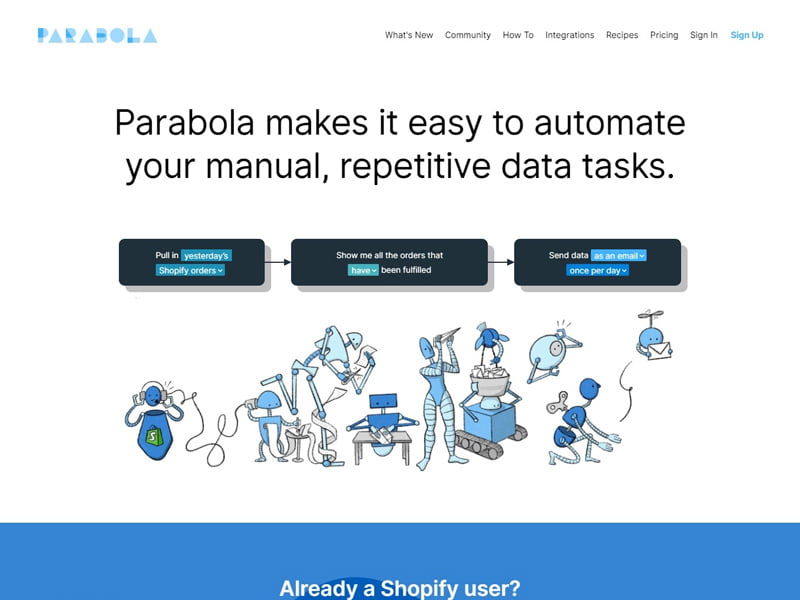
Parabola is a no-code platform for integrating data into automation and connecting apps. This tool makes it easier to form alliances with external APIs, databases, and third-party payment gateways. Parabola is a suitable data management tool for your team. Also, CRM workflows, eCommerce tasks, metrics reports, and automated email marketing applications use Parabola for their development.
Zapier
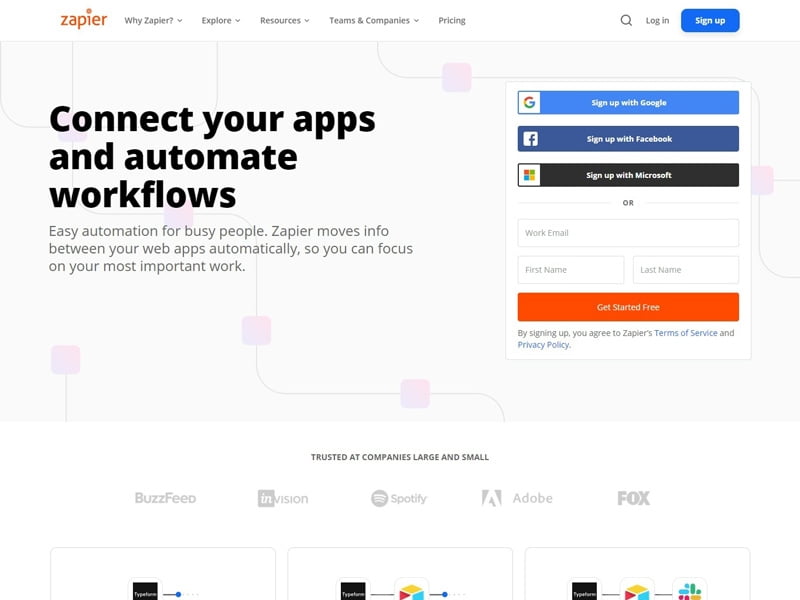
Zapier allows users to connect different app platforms and automate workflows. Companies like Twitter, Slack, Dropbox, and Shopify use many of Zapier’s common automation tools. To produce more productivity, Zapier can be a fantastic tool. Also, that will help you save time by automating these processes.
Airtable
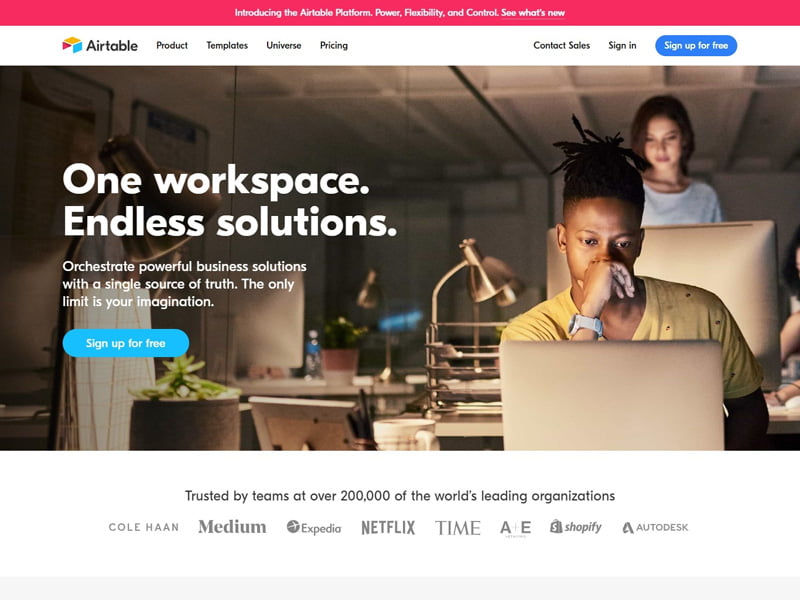
Airtable is an excellent spreadsheet-and-database hybrid tool for beginners. This tool is primarily used for project management and allows you to collaborate with your co-workers, making communication easier. Some popular platforms, like Netflix, BuzzFeed, and Medium, work with Airtable. So you can choose it without any hesitation.
Typeform
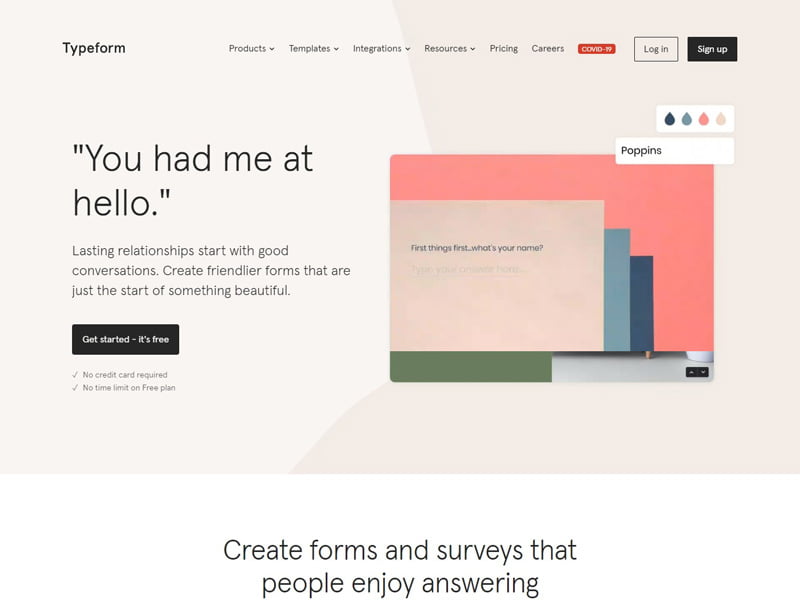
Typeform is a no-code tool for creating forms and surveys. This tool comes with a rich UI and a conversational approach to collecting information. Also, it’s easy to use and smooth to get started. Typeform offers a free plan with professional, convenient forms that drive high conversion rates.
Makerpad
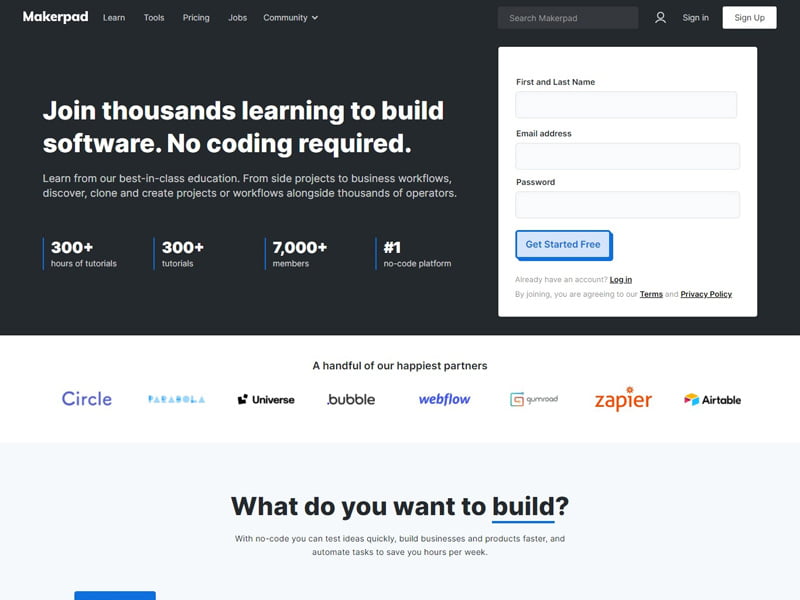
Makerpad is a platform for adding animations by just picking up the elements. Here, you have the color options too, where you can play with them as you want. Also, Makerpad offers design interactions and animations without code. So, without even thinking about any code, one can develop complex interactions and animations with this tool.
Gumroad
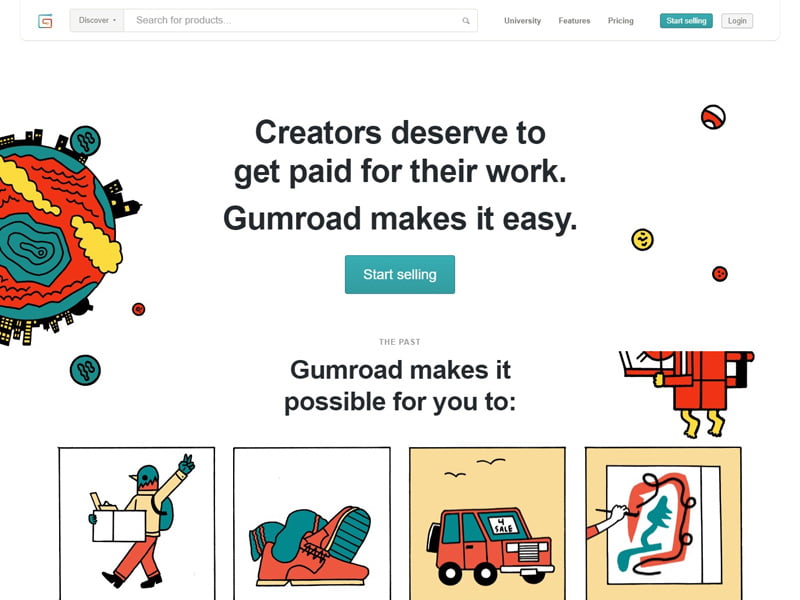
Gumroad is a no-code platform that lets you create podcasts, illustrations, and more. For non-IT organizations that need to build a digital presence for advertising purposes, this tool is suitable for them. You can also create an online store or a workflow for an organization with Gumroad.
Thunkable
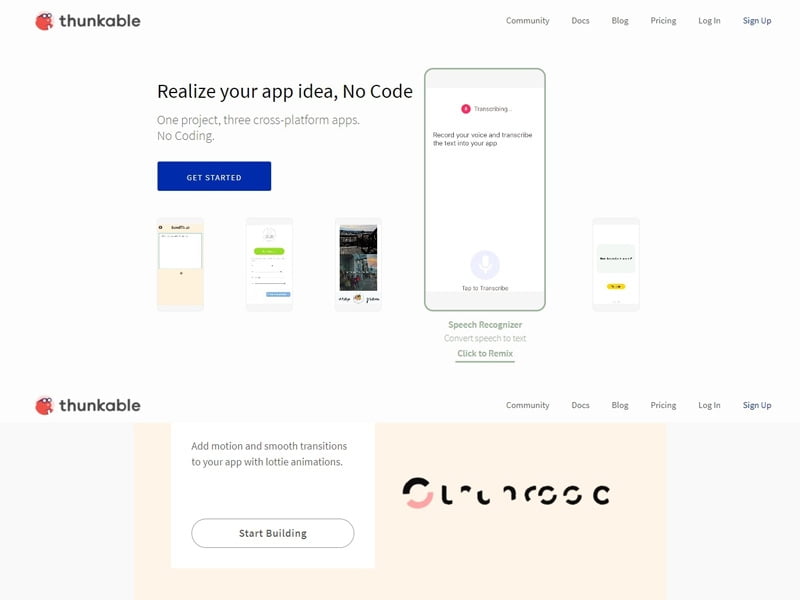
Thunkable is a no-code tool for those unfamiliar with programming. This is a simple drag-and-drop builder that will help you to develop intricate features for your mobile app. Also, Thunkable offers a user-friendly interface, powerful features, and more.