
What Are AI Aggregators? Best Multi-Model Platforms for 2026

On this page 26 sections
Summarize with AI
The number of AI models keeps growing, which means more people need access to all models from a single place. AI aggregators do just that. With an AI aggregator, you can access GPT, Claude, GLM, Kimi, Gemini, and DeepSeek without switching between apps or subscribing to various services separately.
Teams use an AI aggregator to run one prompt across several models and share the results in a single chat window. This article describes the best AI aggregators available in 2026 – their features, prices, and who they work best for.
The AI model market moves fast. Providers release new versions through the year, so the model names change often. OpenAI, Anthropic, Google, xAI, and DeepSeek each update their models, and open-weight models from Meta and Mistral now compete on many tasks. An AI aggregator tracks these releases for you, so you reach a current model without checking each provider.
In 2026, these all-in-one AI platforms are changing how teams write, code, and research every day.
What Is an AI Aggregator?#
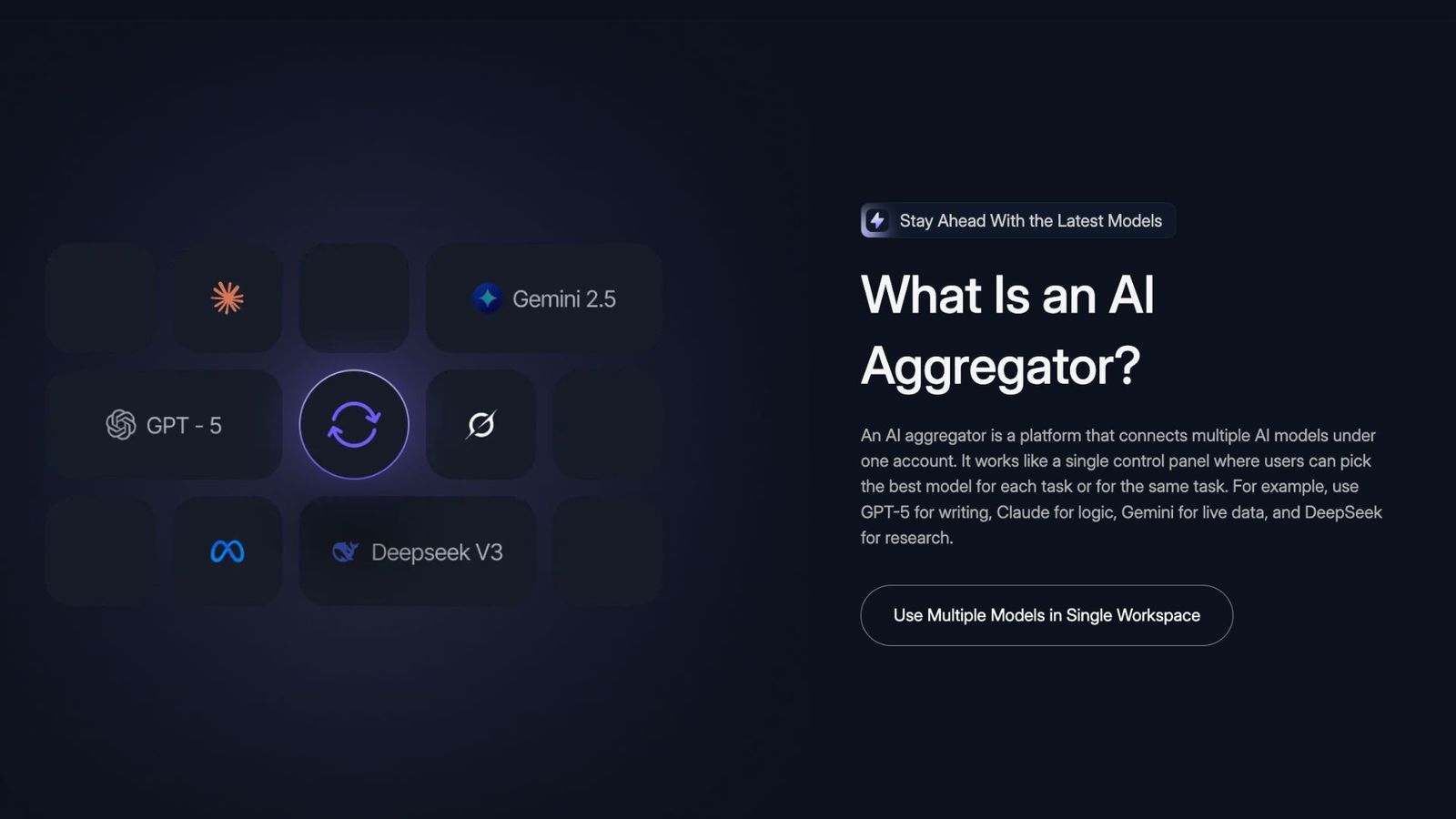
An AI aggregator is a platform that connects multiple AI models under one account. It works like a single control panel where users can pick the best model for each task or for the same task. For example, use GPT for writing, Claude for logic, Gemini for live data, and DeepSeek for research.
The platform handles the technical work: API integration, logins, and billing. It also keeps chat history and shared memory across models, so team members see the same history. A large language model, or LLM, is the type of AI model behind these chats, and an LLM aggregator brings multiple AI models together in one tool.
An AI aggregator reduces cost because you do not pay for several AI subscriptions. It also brings the AI models into one workspace, so you can compare answers, store prompts, and analyze files in the same place.
Modern AI aggregators also protect privacy. They often use encryption and clear data-use policies to keep workspaces secure.
How Do AI Aggregators Work?#
It connects multiple models in one platform, allowing users to run prompts, compare outputs, and collaborate without switching tools.
- Routing: Aggregators send a prompt to a selected model, such as GPT, Claude, Gemini, or DeepSeek, and return the result instantly.
- Comparison: Allows testing the same prompt across models to find the most accurate or creative response.
- Collaboration: Stores chat history and context, allowing teams to refine answers together.
- Shared Context: Chat history and context memory are stored on the platform, enabling refined outputs and the reuse of prompts without losing progress.
- File handling: Supports document uploads, code reviews, and data summaries.
- Security: Private workspaces use encryption and access controls to protect data.
In short, AI aggregators offer a single control panel for multiple AI (artificial intelligence) models and tools, enabling a secure, efficient workflow.
Why Use AI Aggregators?#
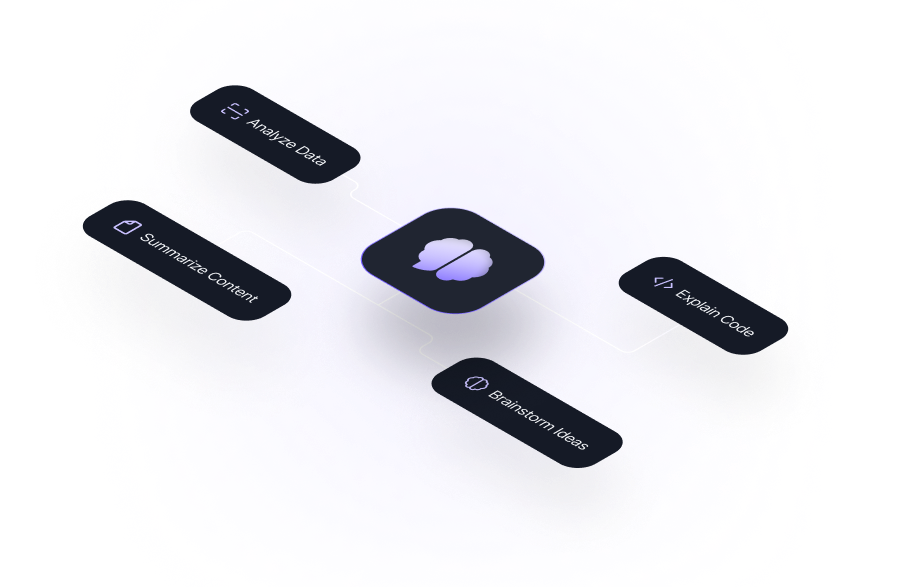
Single AI tools work for basic use, but they lock you into one model. An AI aggregator removes that limit and gives you access to multiple AI models and tools. The main reasons AI users pick an aggregator:
- Users can compare model outputs and refine prompts together, producing stronger, more reliable answers.
- Access to multiple models removes delays caused by switching tools.
- Writers, developers, marketers, and analysts can use the same workspace and context for better workflow.
- Keep project chats, files, and prompts searchable with memory context.
- One subscription and one workspace simplify budgets and operations.
They give modern teams a structured way to use advanced AI every day without losing focus or time.
The 10 Best AI Aggregators in 2026#
Here are the best all-in-one AI platforms of 2026, compared by model access, features, and price. Prices change often, so check each provider’s site before you buy.
1. Aymo AI#
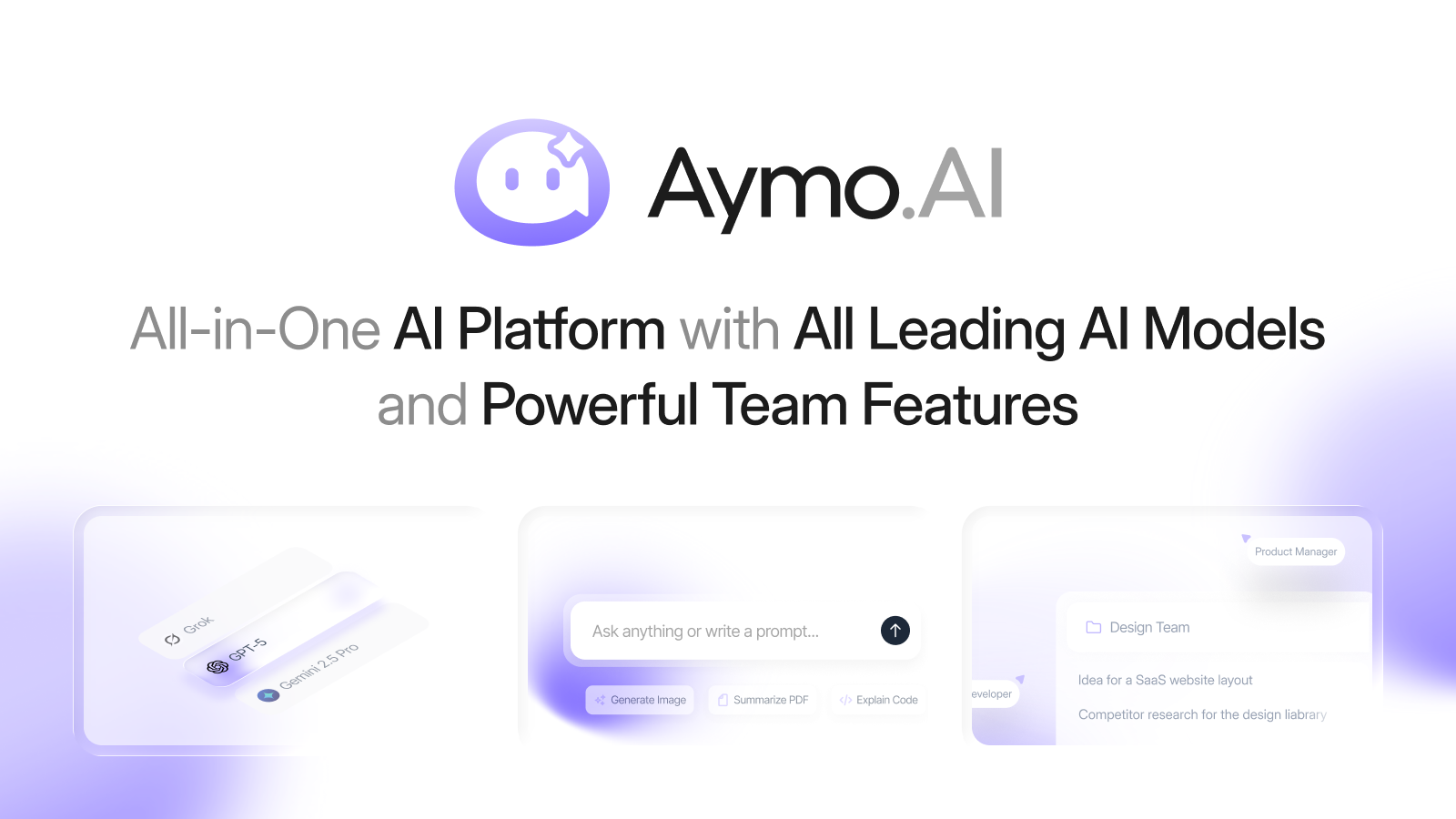
Aymo AI (Formerly Geeky.chat) is the best AI aggregator built for individuals and teams that need access to multiple AI models in one place. It offers 45+ AI models (including GPT, Claude, GLM, Kimi, Gemini, DeepSeek, Grok, Mistral, and LLaMA).
Key features :
- Real-time collaboration with shared chat history and roles
- Secure workspaces with encryption and BYOK support
- Offers 45+ AI Models in a single workspace.
- File upload and analysis for text, code, and documents
- Use cases: Brainstorming, coding, research, data analysis, GTM Strategy, and more.
- Prompt library and team workspaces
- Browser extension and web app
- Compare AI Models Side by Side (Up to 6)
Pricing: Free ($0/month, about 1,000 messages); Basic $4/month; Premium $12/month; Business $25/month. Premium covers up to 10 team members on one plan, not per seat.
Best for: Individuals, teams, and developers who want multi-model chat and shared context at a flat price. You brainstorm, research, and analyze files in one workspace.
Check out the Best T3 Chat Alternatives in 2026
2. TypingMind#
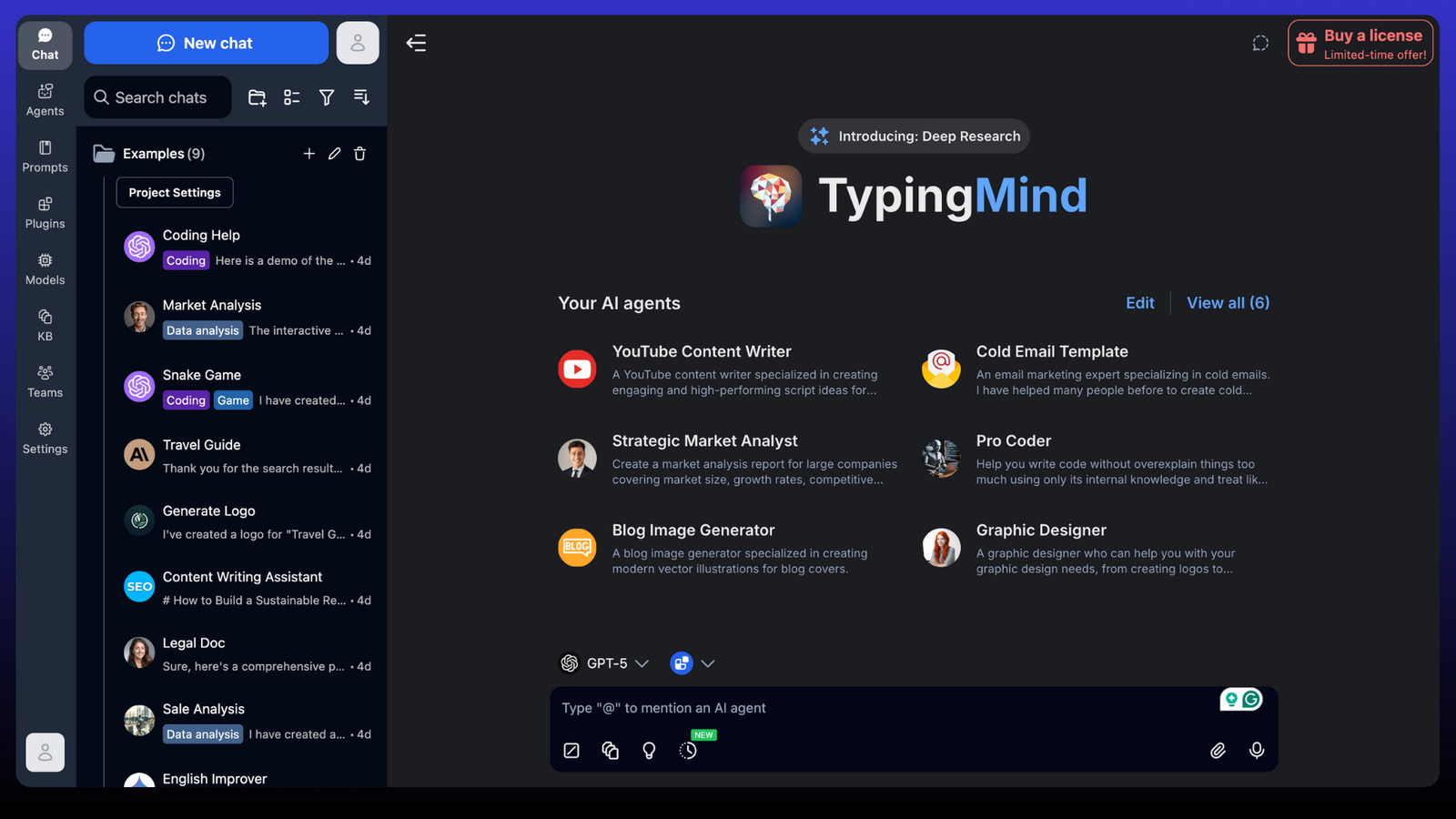
TypingMind is a chat interface that runs on your own API keys. It connects to 90+ models from OpenAI, Anthropic, Google, and others, so you pay each provider directly for usage.
It adds a prompt library, custom prompts, and 25+ plugins on top of the chat. You can upload and analyze files, use a canvas editor, and build internal workspaces to share prompts with a team.
Key Features:
- Use your own API keys for GPT, Claude, or Gemini.
- Works locally for private projects.
- Simple folder-based chat and prompt storage.
- Developer-First BYOK Platform
Pricing: One-time license: Standard $39; Extended $79; Premium $198.
Best for: Developers and professionals who want BYOK access and one-time pricing.
3. Poe (by Quora)#
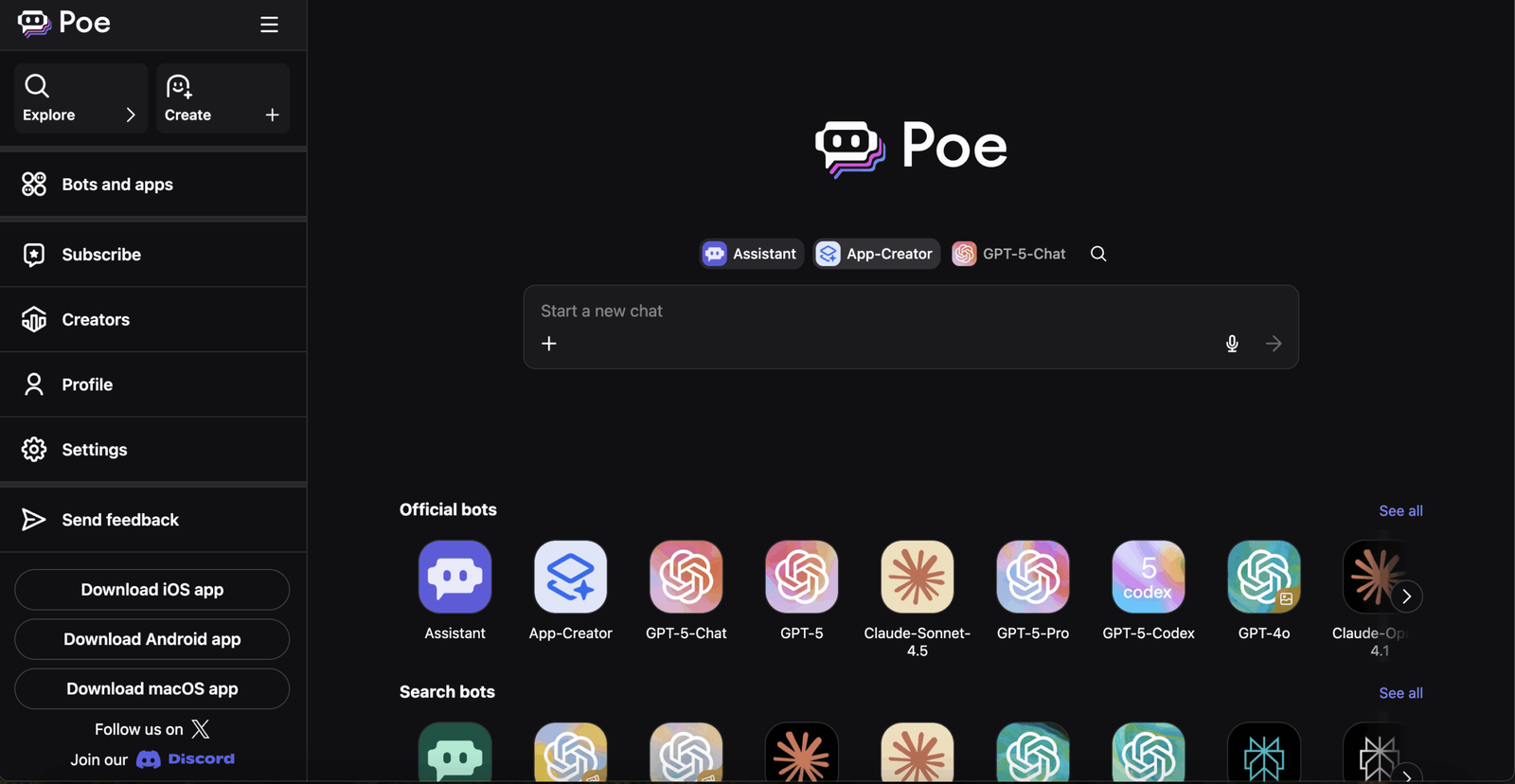
Poe connects GPT, Claude, Gemini, and Mistral in one interface. Quora launched it in late 2022, and it runs on a points system that you spend across models.
You switch models inside a chat and compare answers. You can also build custom bots for repeat tasks, and Poe draws on Quora’s knowledge base for some answers.
Key Features:
- Compare Multiple AI Models in One Interface ( Side-by-side )
- Custom bot creation
- Fast switching between models
- Clean and fast interface for web and mobile.
Pricing: Points-based plans from $4.99/month, a common tier at $19.99/month, up to $249.99/month.
Best for: People who want to test differences between top AI models and build simple bots.
4. TeamAI#
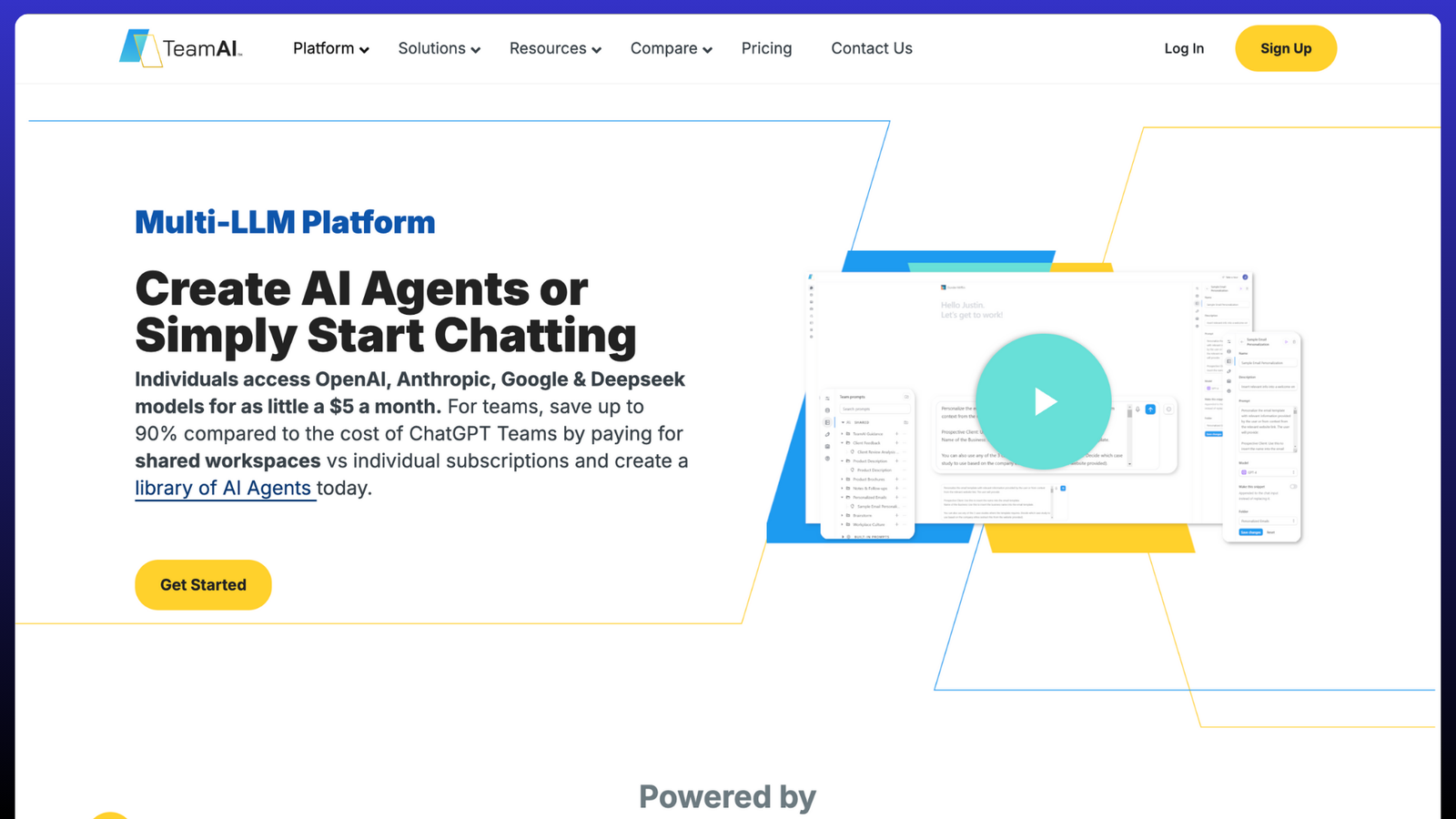
TeamAI is built for shared team use. It connects GPT, Claude, Gemini, and DeepSeek, and adds admin controls so a manager can set access.
You build custom AI agents and workflows, then connect them to internal systems through the API. This suits recurring team tasks rather than one-off chats.
Key Features:
- AI agent and workflow builder
- Multi-LLM access and admin controls
- API integrations for internal systems
- Enterprise-Ready AI Agents
Pricing: From $5/user/month; Enterprise from $849/month.
Best for: Organizations that want custom AI agents and controlled AI access with admin settings.
5. Mammouth AI#
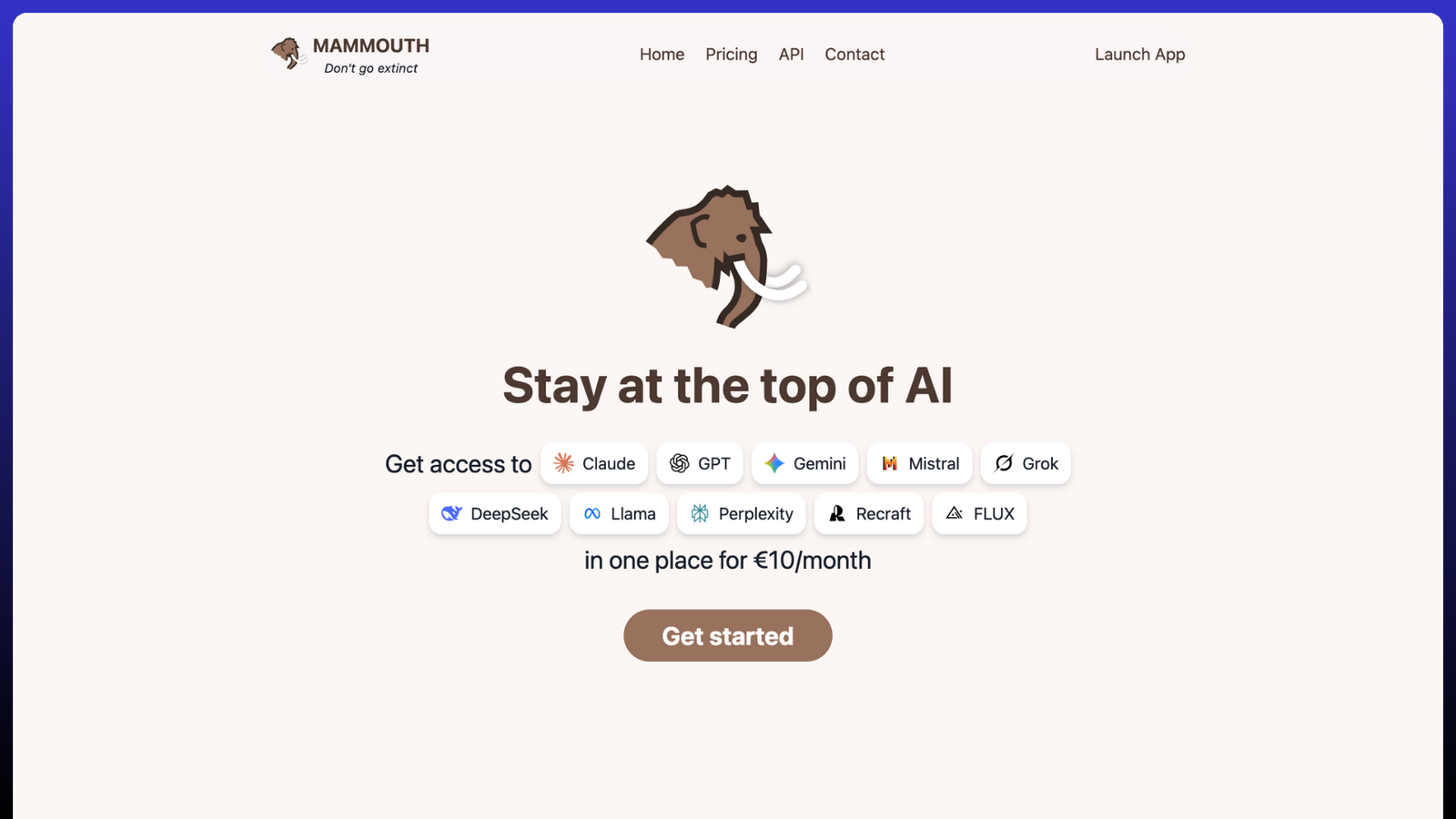
Mammouth.ai gives you a wide model library in one account, including GPT, Claude, Gemini, Grok, DeepSeek, Mistral, and Kimi. You switch models with one click and keep the conversation.
It handles text, image, and audio, and adds voice chat for hands-free use. It supports 200+ file types for upload and editing, and runs on web, desktop, and a mobile app.
Key Features:
- Model library across GPT, Claude, Gemini, Grok, DeepSeek, Mistral, and Kimi
- One-click model switching
- Text, image, and voice generation
- 200+ file types supported
- Web, desktop, and mobile app
Pricing: Starter €10/month; Standard €20/month; Expert €60/month.
Best for: Students, marketers, and startups who want text and media models in one place.
6. MagAI#
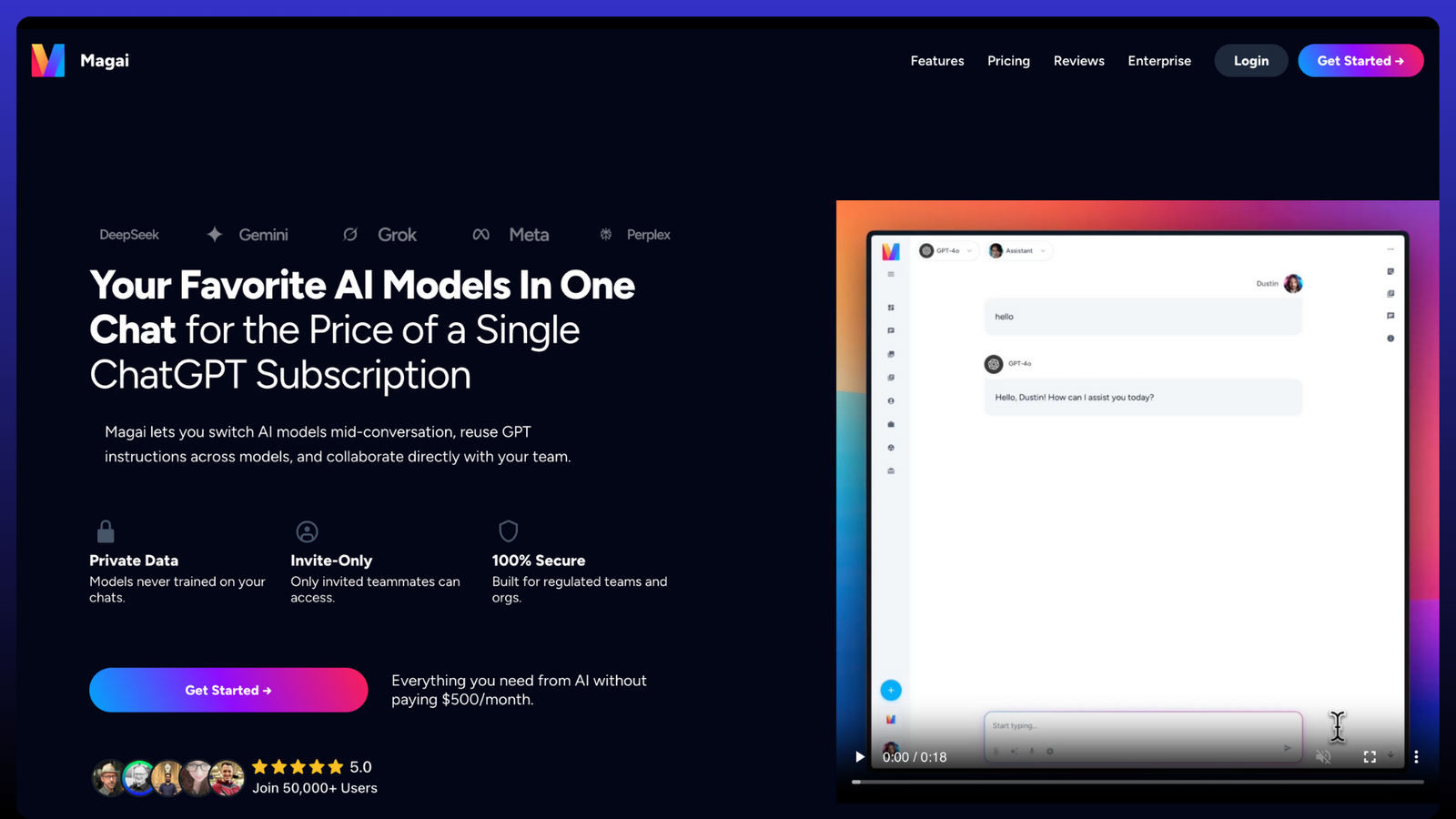
MagAI connects 50+ models, including GPT, Claude, and Perplexity, under one dashboard. It picks a suitable model for each prompt and lets you switch models mid-conversation.
It adds 50+ custom personas and an in-chat document editor, so you can create, edit, and export documents without leaving the chat. A prompt library and shared workspaces support content and design teams.
Key Features:
- Auto model selection by task type
- 50+ creative personas
- Built-in image generation and file templates
- Smart Platform for Creators and Marketers
- Prompt library and team workspaces
Pricing: Starter $20/month; Pro $40/month; Ultra $200/month.
Best for: Content creators, marketers, and design teams that produce content with AI.
7. EaseMate AI#
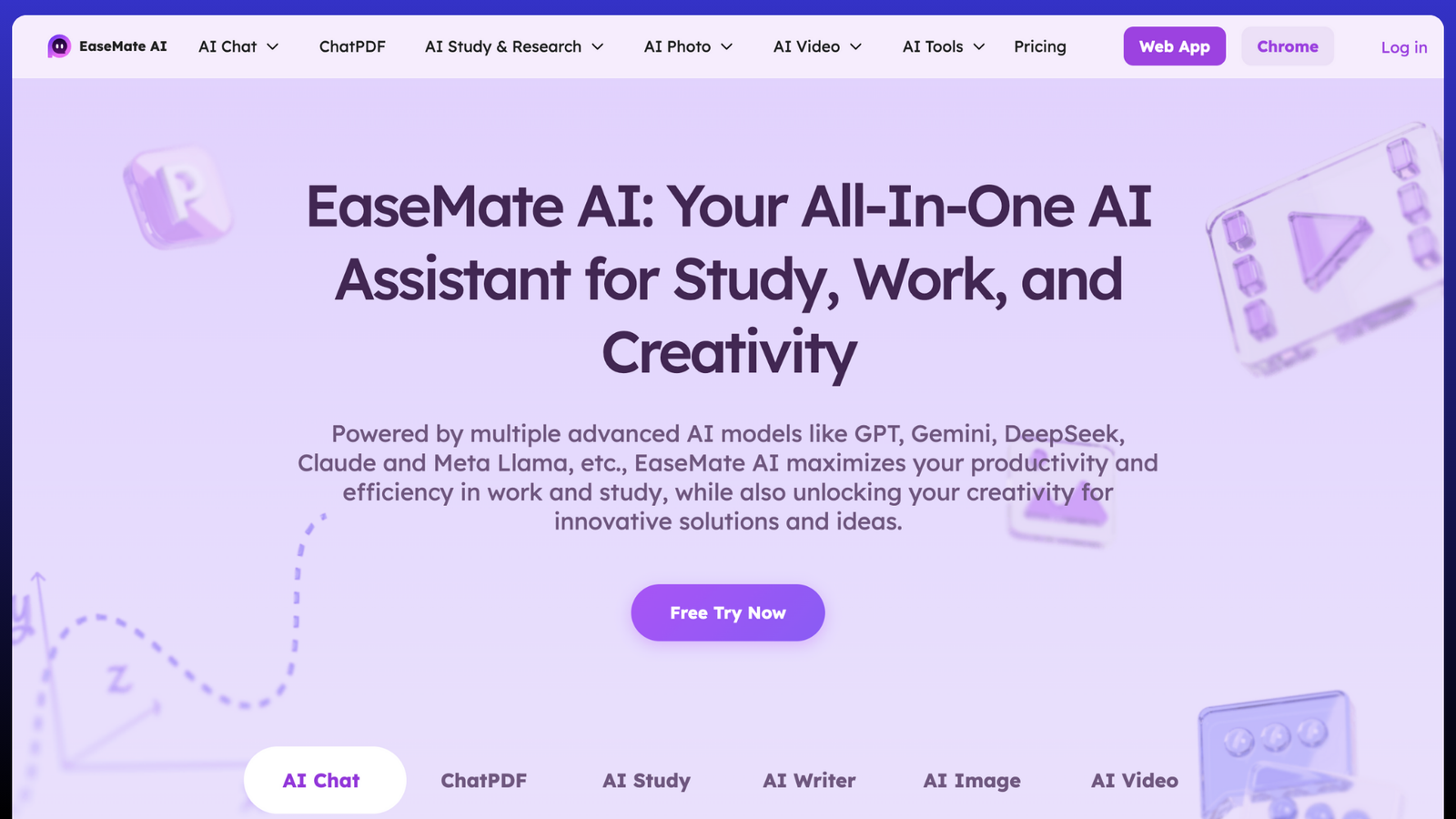
EaseMate AI supports study and creative work in one place. It combines several models, including GPT, Claude, and Qwen, plus image and video models.
You write, research, and create images and video from the same dashboard. It offers a browser extension and a web app, and runs on Windows, macOS, iOS, and Android.
Key Features:
- Text, image, and video models, including GPT, Claude, and Qwen
- File upload, writing, and brainstorming tools
- Browser extension and web app
- All-in-One Assistant for Work and Study
- Available on Windows, macOS, iOS, and Android
Pricing: Free; Lite from about $8/month; Pro from about $17/month.
Best for: Students, creators, and marketers who want study and creative tasks in one dashboard.
8. WritingMate.ai#
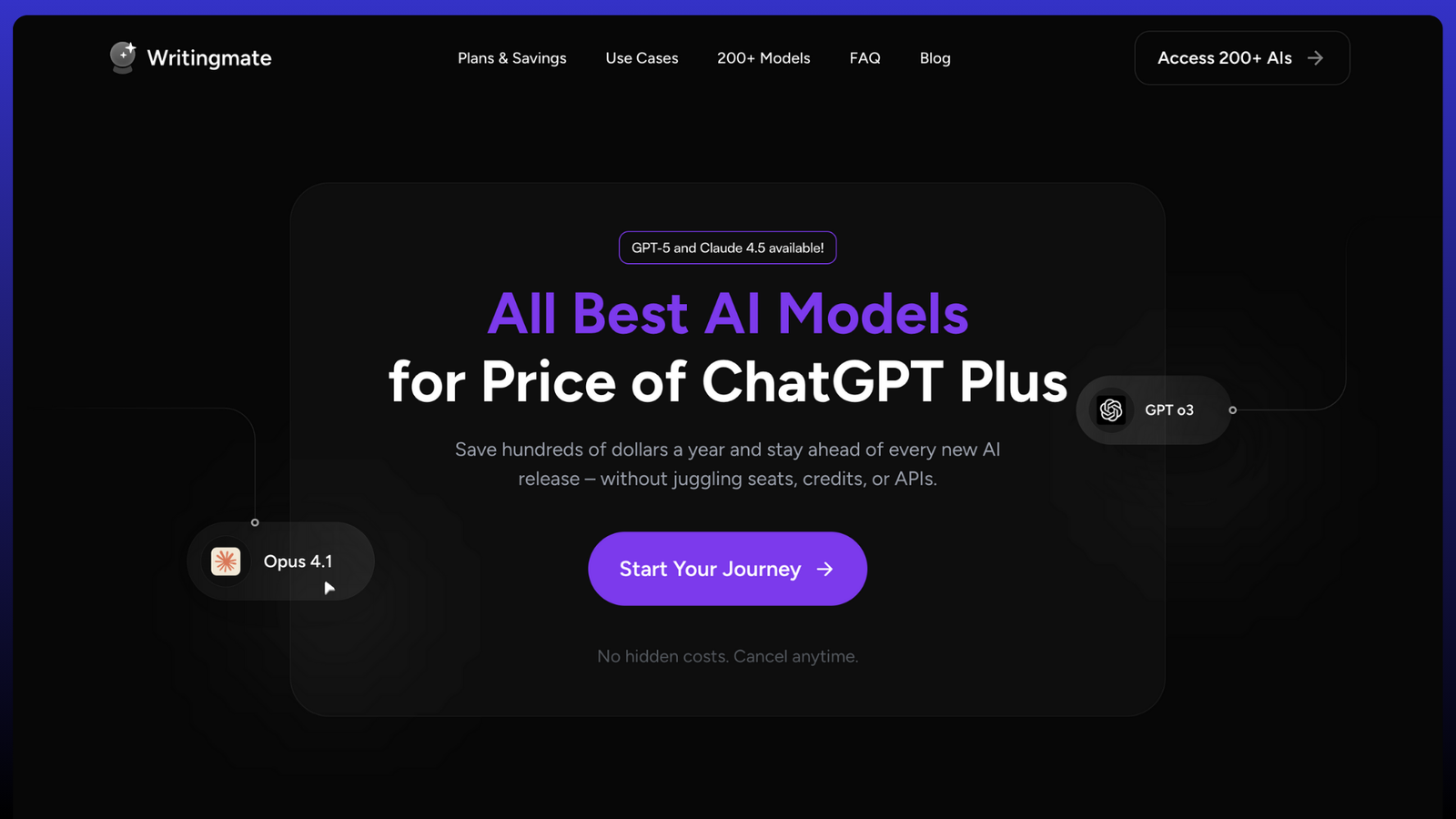
WritingMate.ai focuses on writing, editing, and research. It supports GPT, Claude, Gemini, and DeepSeek, plus a library of 200+ models.
It includes a built-in editor and templates, along with browser extensions for Chrome and Edge. You can also generate and edit code next to your text.
Key Features:
- Built-in editor and templates
- Chrome and Edge extensions
- Code and text generation features
- Multi-Model AI for Writers and Researchers
Pricing: Premium from $20/month.
Best for: Writers and researchers who want an editor with model choice.
9. NinjaChat#
NinjaChat combines chat with image, video, and music generation. It lists access to GPT, Claude, Gemini, and 50+ models, so you work with text and media in the same app.
Beyond chat, you can create images and short videos, generate music, and chat with PDFs. It also includes mind-map creation and a set of writing tools, so one subscription covers both chat and creative output.
Key Features:
- 50+ AI models in one app
- Image, video, and music generation
- Chat with PDFs
- Mind-map creation
- 50+ writing tools
Pricing: From $9/month.
Best for: Users who want chat plus creative AI models from different providers in one tool.
10. OpenRouter#
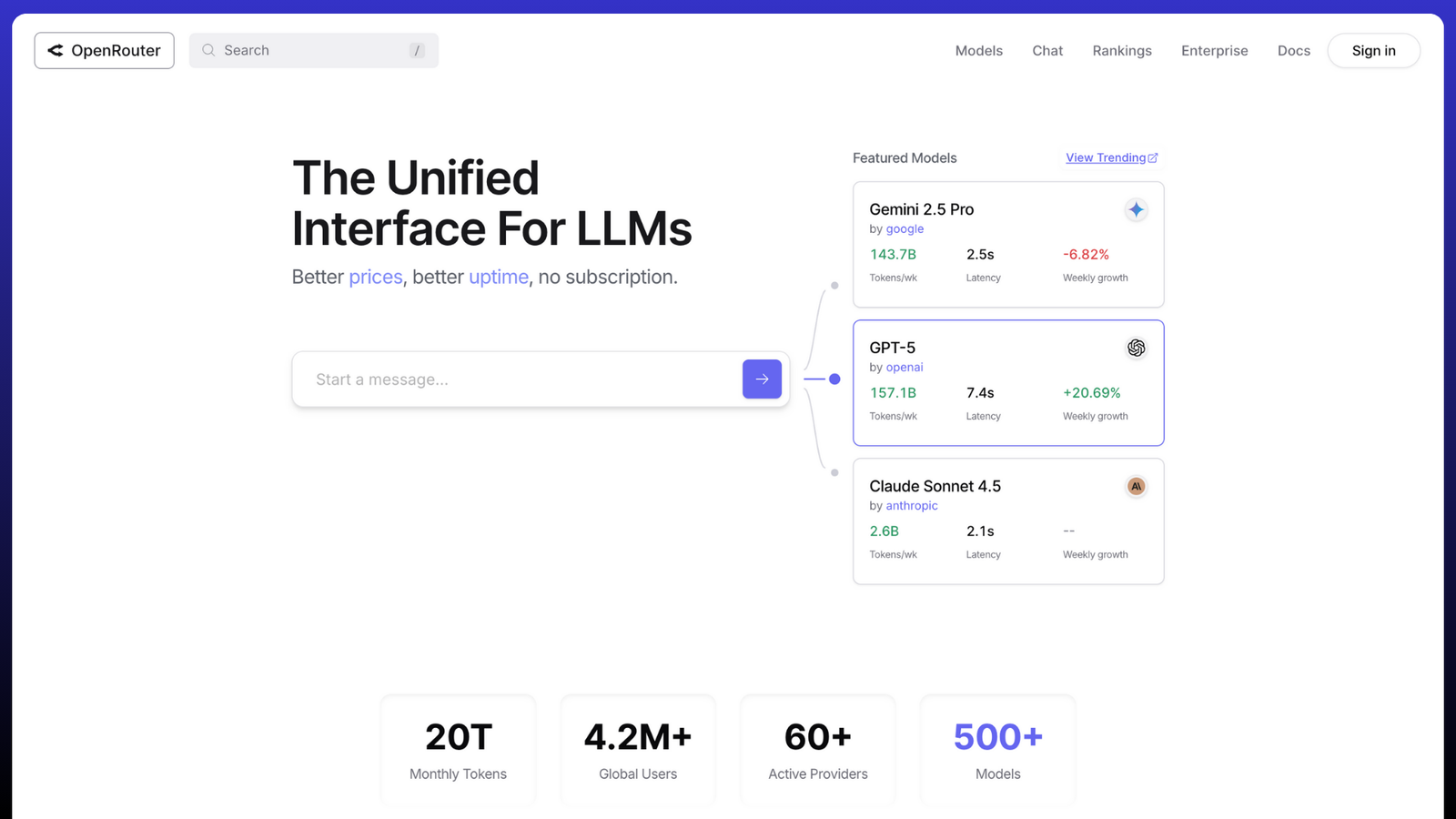
OpenRouter is an API aggregator. It gives you one API key for 400+ models from OpenAI, Google, Meta, Perplexity, and others, so you do not manage a separate key per provider.
It routes each request to a model based on speed and availability, and supports no-code agents and automations. A published data policy sets how it handles your requests.
Key Features:
- Supports OpenAI, Anthropic, Meta, and Google models
- Unified API for testing and integration
- Transparent usage-based pricing
- Developer Hub for Multiple LLMs
Pricing: Free tier for basic models; pay-as-you-go after, with about a 5.5% fee on credit purchases.
Best for: Developers and enterprises who want single-key access to many models.
AI Aggregators for Image, Video, and Audio#
Most aggregators handle text chat. A few also generate media, so you create images, video, or audio in the same tool where you chat. This helps when one project needs a written draft and a matching image or clip together.
Four tools on this list cover media, and each leans in a different way:
- NinjaChat generates images, short videos, and music, and adds writing tools.
- Mammouth AI creates images and audio, and adds voice chat for spoken input.
- MagAI generates images and uses 50+ personas for content and design work.
- EaseMate AI creates images and videos, and runs on desktop and mobile.
Pick the tool by the format you use most. Choose NinjaChat for music, Mammouth AI for voice input, MagAI for image work tied to content, and EaseMate AI for study plus video. Each one runs multiple AI models for a creative project, so you skip a separate media app.
AI Aggregators with One API Key#
Developers often want code access, not a chat box. OpenRouter and TypingMind serve this need. OpenRouter routes requests through one API key, and TypingMind uses your own provider keys. Both let you call AI models from different providers through a single setup and control billing in one place.
Summary Table#
| Platform | Best For | Model Access | Main Strength | Starting Price |
|---|---|---|---|---|
| Aymo AI | Teams & enterprises | GPT, Claude, Gemini, Grok, DeepSeek, Mistral, Llama (45+) | Collaboration, model comparison, flat team price, BYOK | $4/mo |
| NinjaChat | Creators | GPT, Claude, Gemini + media (50+) | Chat plus image and video | $9/mo |
| TypingMind | Developers | GPT, Claude, Gemini | BYOK, one-time price | $39 one-time |
| Poe | General users | GPT, Claude, Gemini, DeepSeek | Fast model comparison | $4.99/month |
| TeamAI | Enterprises | GPT, Claude, Gemini, DeepSeek | AI agents, workflow automation | $5/user |
| Mammouth AI | Creators & marketers | GPT, Claude, Gemini + media | Text, image, and audio | €10/mo |
| MagAI | Marketers | GPT, Claude, Gemini | Model selection, personas | $20/mo |
| EaseMate AI | Students | GPT, Claude, Gemini, Llama | Study and work assistant | $6.9/month |
| WritingMate.ai | Writers & researchers | GPT, Claude, Gemini (200+ models) | Editor and extensions | $20/mo |
| OpenRouter | Developers | 400+ models (OpenAI, Anthropic, Meta, Google) | One API key access | Usage-based |
Prices are subject to change. Confirm current plans on each provider’s website.
How to Choose the Right AI Aggregator#
The right AI aggregator depends on your work, not the brand name. Use these points to decide:
- Model access: Check that the tool supports the AI models you use. A good AI aggregator in 2026 adds new model versions soon after release.
- Message limits: Many plans cap messages. The Aymo free plan allows about 1,000 messages per month, which is suitable for testing but not heavy use.
- Team features: If you share work, look for shared chat history, roles, and a flat team price.
- Creative needs: For images, videos, or audio, pick a tool that supports media generation.
- Developer access: For code, choose an API key setup such as OpenRouter or TypingMind.
For teams and general users, Aymo AI offers a flat price and a shared workspace. For images, videos, and audio, NinjaChat and Mammouth AI generate media alongside chat. And for developers, OpenRouter provides one API key for many models.
Frequently Asked Questions#
Which AI tools let you switch between different AI models?#
Aggregators such as Aymo AI, Poe, and NinjaChat let you switch between different ai models in one app. You select a model from a menu, send your prompt, and change models without losing your chat.
Can I use multiple AI models for a creative project?#
Yes. NinjaChat, Mammouth AI, and MagAI support text, image, and often video or audio. You run several models in one tool and compare the output.
Do AI aggregators have a mobile app?#
Some do. Poe offers a mobile app for web and phone. NinjaChat and several others work in a mobile browser. Check each provider before you rely on a mobile app.
What is the difference between an AI aggregator and single AI tools?#
Single AI tools give you one model. An AI aggregator gives you many models, shared context, and one bill. This helps when you use different AI tools for different tasks.
What is an API aggregator?#
An API aggregator, such as OpenRouter, gives developers one API key for many models. You integrate several providers without separate accounts or keys.
Is there a free AI aggregator?#
Yes. Aymo AI has a free plan, and several tools offer a free trial. Free plans usually cap messages, so read the limits before you commit.
Conclusion#
AI aggregator platforms redefine how people use artificial intelligence. They unify access to models such as GPT by OpenAI, Claude by Anthropic, Gemini by Google, and DeepSeek in a single workspace.
They replace multiple tools with a single, secure system that lets users choose the best model for every task.
Single-provider tools serve well for basic use, but they limit choice and flexibility. AI aggregators remove those limits by combining the offerings of major providers into a single platform.
In 2026, leading AI aggregator platforms such as Aymo AI, TeamAI, and TypingMind drive the shift from isolated AI tools to unified, multi-model systems.


