
9 Best AI Chrome Extensions for 2026

On this page 16 sections
Summarize with AI
What’s your opinion on this? Your browser can do more than research. Mine is yes. But you need AI Chrome extensions to make it smart. The extensions help with different tasks every day. You can research, generate texts, and even get meeting summaries. The extension works directly inside your browser without switching tabs.
But if you ask, what is the best AI Chrome extension? There is not one. I have been using AI extensions for over a year now. Yet, I had to check different extensions for each of my tasks. And it took hours.
So, in this blog, I am going to share the 9 best AI Chrome extensions that you must explore in 2026. They offer help with different tasks. You can save time and make your days more efficient.
What Is an AI Browser Extension?#
An AI web browser extension is a small add-on for web browsers. It lets you enhance your web experience with various AI features. The extensions keep the AI models handy and easy to reach. You can access the features in just one click on the extension bar.
Also, the AI extensions work much faster than any other tool. It goes through the website or page you want in a matter of seconds and gives the best result. The AI browser extension works with almost all browsers. You can use the extensions for Chrome, Edge, Firefox, and Brave. With extensions, you can summarize texts and research topics, take meeting notes, and much more. In simple terms, extensions help you boost your productivity and efficiency without much effort.
Why Use AI Chrome Extensions?#
AI Chrome extensions make the browsing task much easier. You don’t need to switch tabs to work on that tool. It saves time and helps teams to work with more precision. Here are some more benefits of using AI browser extensions:
Save time on repetitive tasks#
The browser extensions allow you to research and write with just a click. It allows you to draft any emails or documents with just a click. Moreover, the extension easily captures the page’s context, allowing you to write the perfect copy every time.
Write and edit content faster#
Since you can create the content in one click, AI extensions help you write faster. Together with that, you can rephrase and rewrite the whole thing. The AI extensions give you suggestions while you write.
Research information directly in the browser#
The Google Chrome AI extensions allow you to research anything while you use the browser. You can mark or highlight the text you want to research. It will instantly search and provide you with a summary of the page.
Best AI Chrome Extensions for Better Productivity#
Here are the best AI Chrome extensions I have gathered for you. I personally use most of them to improve my workflow. They helped me with my tasks and made my days efficient. So, let’s take a look and find which tools you should start using too:
Claude AI#
Claude in Chrome is Anthropic’s own browser extension. It allows you to use Claude alongside your daily tasks. You don’t need to use a different tab or browser to access Claude’s features. Besides, Claude in Chrome brings the features into a sidebar. You can chat with the AI, research, generate texts, and develop code. Another with that you can simply automate your workflows with the extension as well.
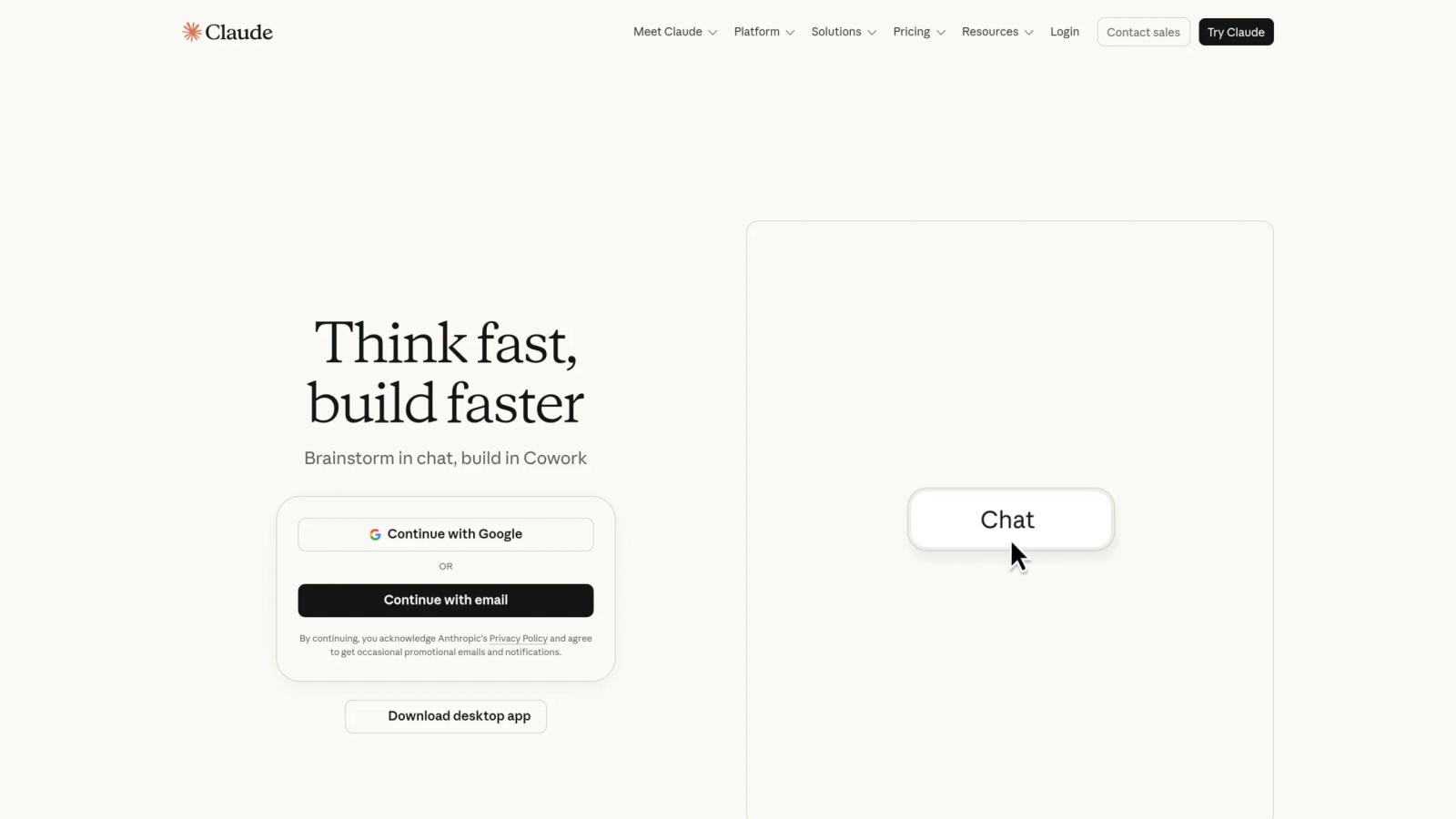
You can work in different tabs and organize your tasks too. Claude AI browser extension is best for both professionals and developers. If you are a developer, you can use the free AI Chrome extension for design verification, live debugging, and automated testing as well. It helps developers watch how their project is working in real time. Therefore, the extension saves time and boosts the project’s efficiency.
What Can You Use Claude AI For?#
- Summarize articles, webpages, and documents
- Write and edit emails, reports, and other content
- Generate ideas and improve existing copy
- Analyze information directly from webpages
- Write and review programming code
- Debug websites and applications
- Verify website designs and functionality
- Automate repetitive browser tasks
- Test web applications and workflows
- Manage tasks across multiple browser tabs
- Monitor how projects perform in real time
Who Should Use Claude AI?#
Claude in Chrome is a good choice for professionals and developers. It helps with research and generating text. Also, the extension gives access to live debugging and other developer tasks.
Aymo AI#
Aymo AI is another of the best free AI Chrome browser extensions for all-in-one AI tools. It provides you with 54+ AI models in the dashboard. You can research the topic and generate texts accordingly. Moreover, you can compare different responses from different models within the dashboard.
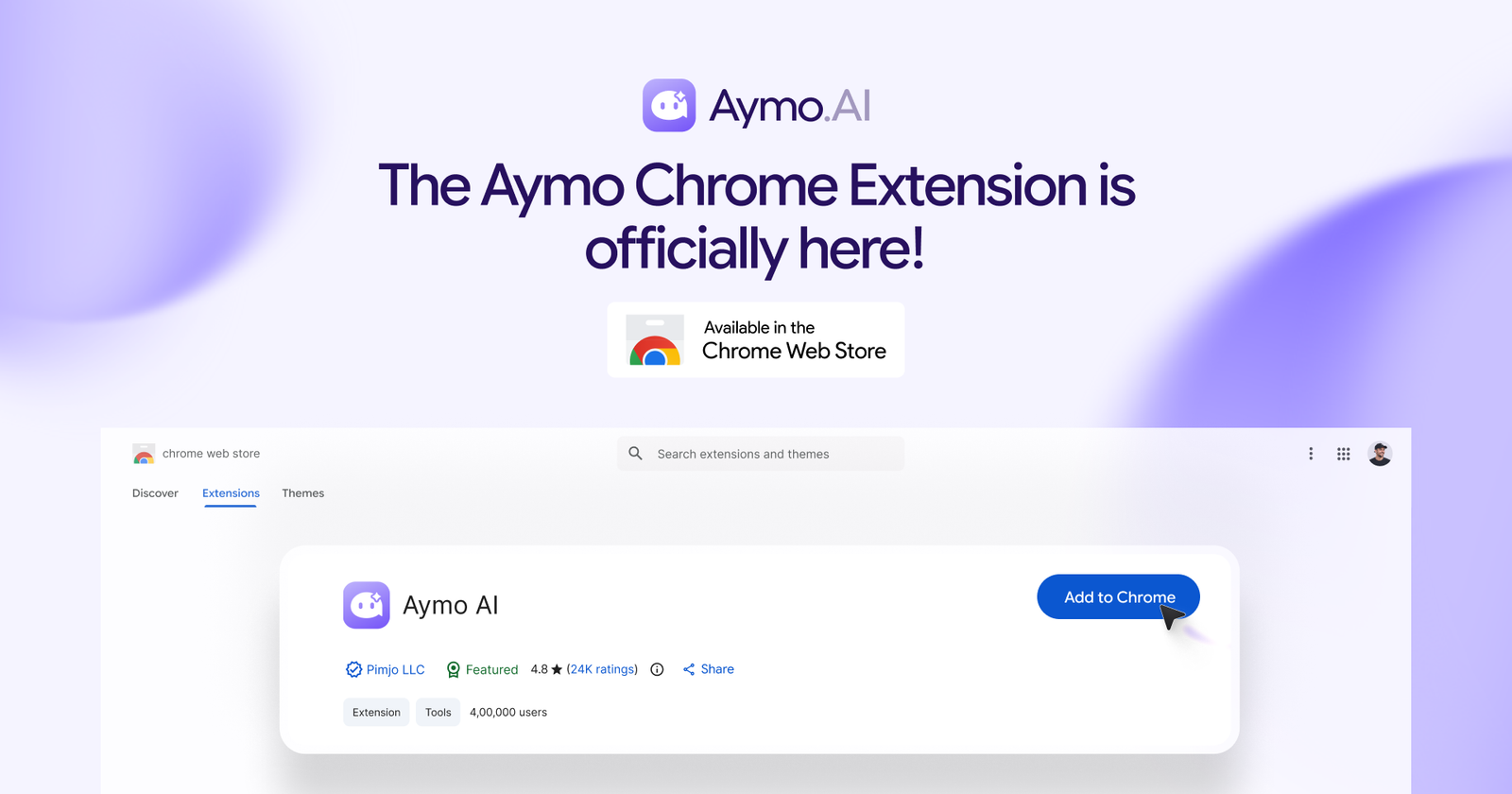
In addition, Aymo AI comes with built-in browser tools. You can just select any text and chat with AI models instantly. It has a sticky icon that stays on the side of the screen at all times. You can even use the shortcut “Ctrl+Shift+Y” to open the AI sidebar. Not only that, Aymo AI extension has a huge prompt library to begin with. You can capture a screenshot to start the search process. Hence, you can research images, texts, or whatever you want.
What Can You Use Aymo AI For?#
- Research topics using multiple AI models
- Compare answers from different models
- Generate blog posts, emails, and other content
- Rewrite, summarize, and improve webpage text
- Ask questions about selected content
- Analyze images and screenshots
- Find information using visual searches
- Use ready-made prompts for common tasks
- Brainstorm ideas and create content outlines
- Get quick AI assistance while browsing
- Simplify complex information
- Complete everyday research and writing tasks
Who Should Use Aymo AI?#
Aymo AI is ideal for professionals, teams, and coders alike. No matter what task you need, you can do it with the AI with 54+ models. You can also connect with your team and share chats to collaborate.
Monica AI#
Monica AI extension is an all-in-one assistant. It is mainly the browser extension version of the Monica AI tool. It provides all the features that Monica AI offers. The AI Chrome extension opens in just one click. It comes with a sidebar and allows you to research and generate text. Moreover, you can use different AI models. And you don’t have to leave whatever you are doing.
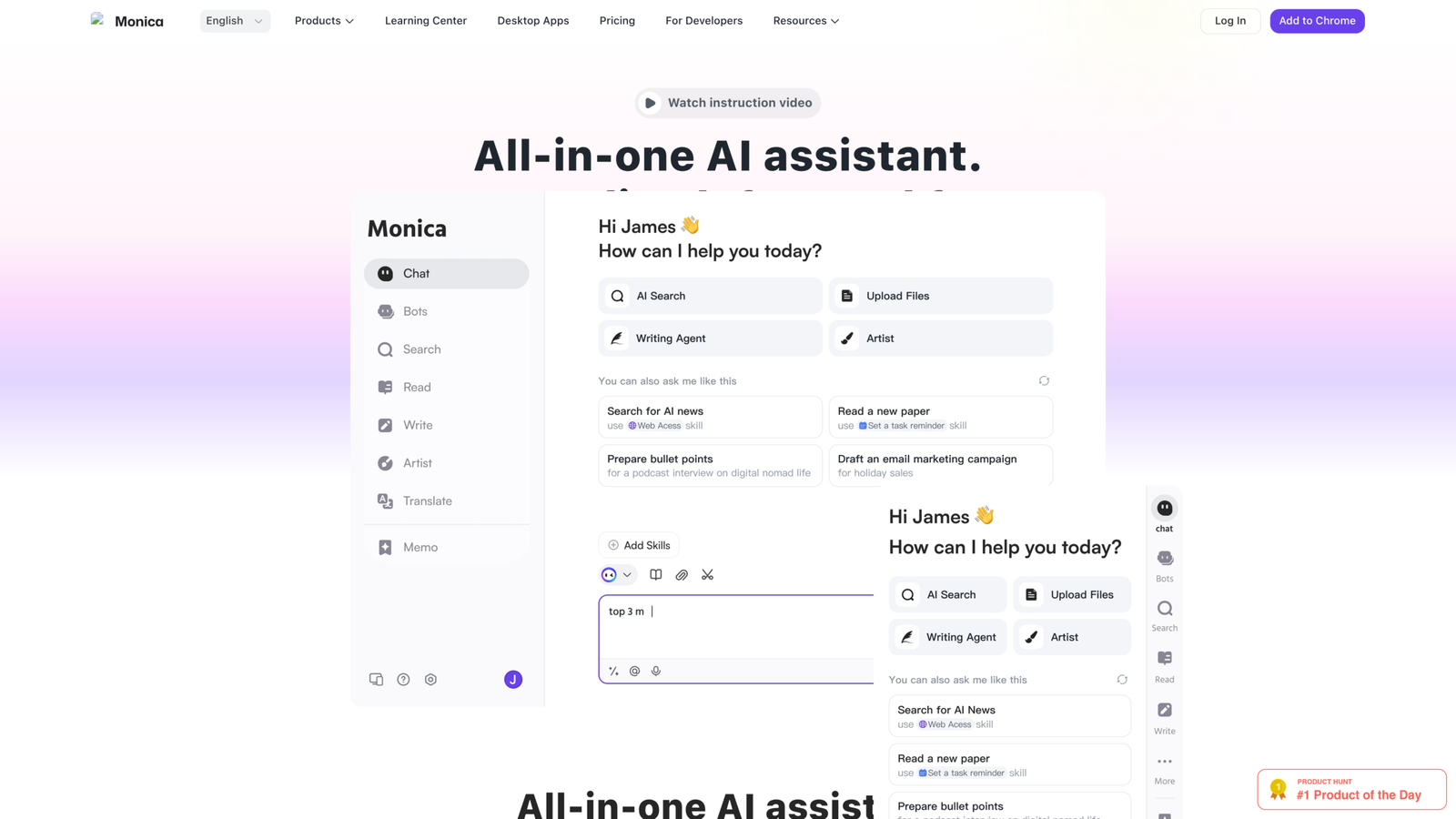
The extension opens on the side of any web page you are on. You can summarize texts and research, and create images as well. In addition, you can chat with the AI using the voice chat option. So it gives you accurate, natural answers. The Monica agent also allows you to automate your complex tasks. Thus, you can boost your productivity and handle the repetitive tasks without any hassle.
What Can You Use Monica AI For?#
- Research Topics & extract information as you surf.
- Summarize long articles, pages, and documents
- Write emails, blogs, social media, and copy
- Rephrase, lengthen, shorten, or improve upon the current text
- Brainstorm ideas for content, campaigns, and projects
- Generate images from basic text descriptions
- Translate between multiple languages
- Analyze web page content and extract valuable information
- Ask a question and receive quick AI answers.
- Automate recurring browser tasks
- Execute multi-step tasks with AI agents
Who Should Use Monica AI?#
Students, marketers, researchers, or business owners can use Monica AI. It is ideal for all everyday and professional tasks. You can use multiple AI tools in a single click and boost your productivity.
Perplexity – AI Companion#
Perplexity AI is built for research and AI-powered search. It also comes with different AI models to choose from. That’s why Perplexity is also known as an all-in-one AI assistant. You can do research and generate texts. The Google Chrome AI extension is designed to make searching easier. It opens with a click and keeps the AI extension available when you browse.
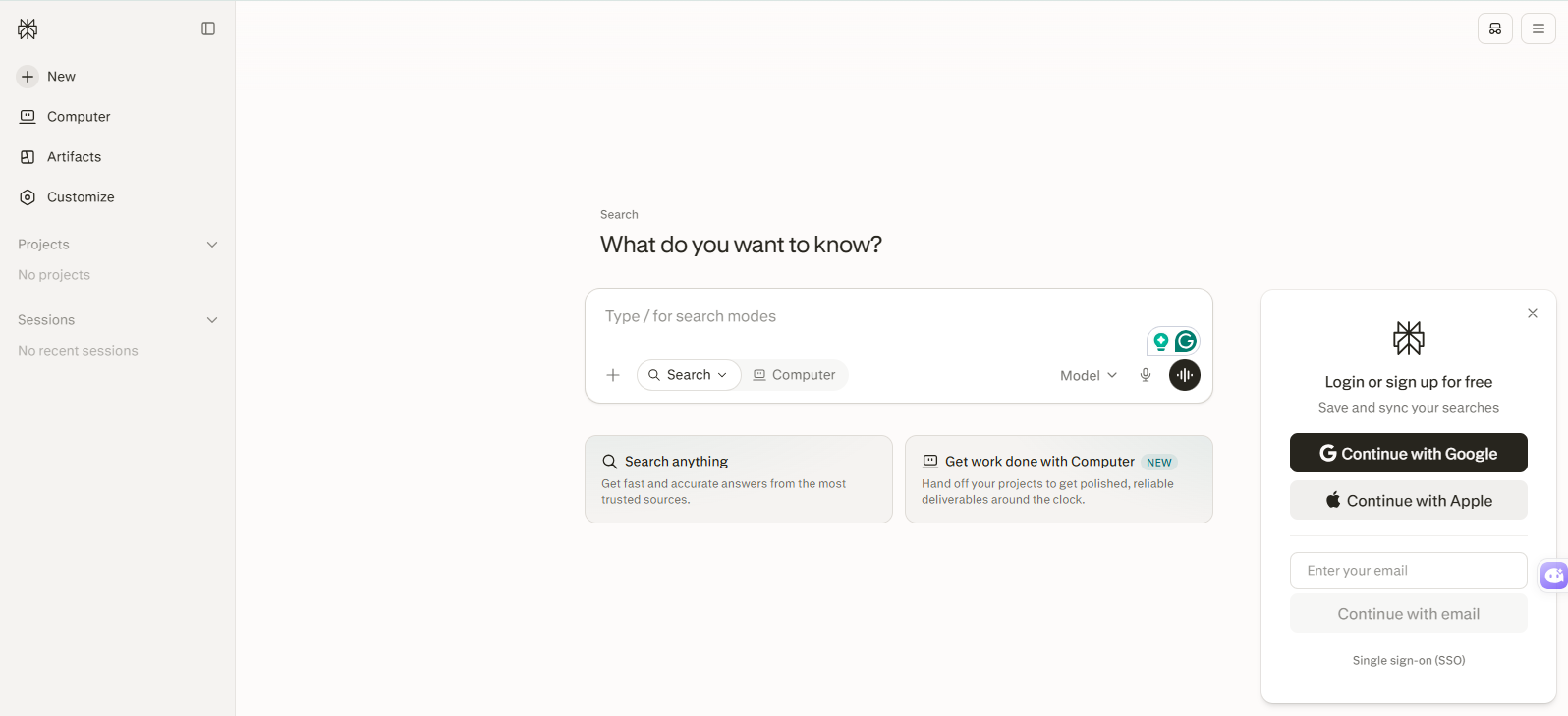
Furthermore, Perplexity AI Companion provides instant page summaries with just a click. You don’t need to go through the whole page anymore. Also, it gets a full contextual understanding. Thus, you get the answers relevant to your page. Perplexity AI is good for research. However, I don’t recommend it for casual writing like blogs, social media posts, and captions. You can do the research with citations and an AI-powered browser search.
What Can You Use Perplexity For?#
- Research topics and gather reliable information
- Find answers with supporting citations
- Summarize long webpages and articles
- Ask questions about the current webpage
- Search the web using natural-language queries
- Compare information from different sources
- Quickly understand complex topics
- Find relevant sources for research
- Extract key information from lengthy content
- Verify information while browsing
- Support academic and professional research
- Get contextual answers without leaving the webpage
Who Should Use Perplexity?#
Like Aymo AI, Monica AI, and other all-in-one AI assistants, Perplexity AI is also ideal for all professionals. But if you want to create images or other visuals, you can look for alternatives to Perplexity AI.
Install Perplexity AI Extension
Quillbot AI Chrome Extension#
Quillbot is now one of the most popular AI writing assistants. It is a multilingual writing assistant that helps you write clearly. Rather than the general-purpose AI assistants, Quillbot focuses on writing and language improvement. Therefore, you get more control over your work. The AI assistant includes different tools to improve your writing. So, you can go from drafts to a published article or e-mail without overthinking.
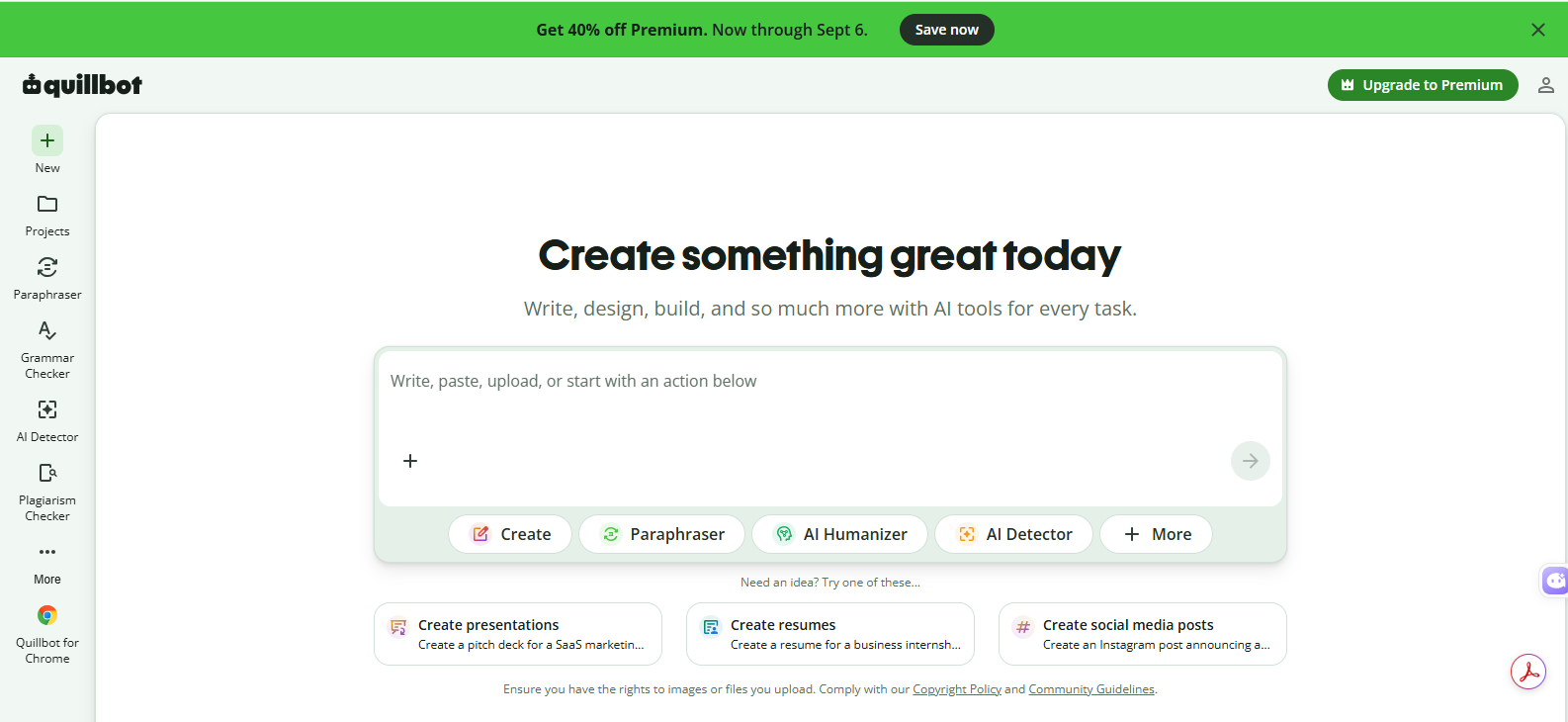
Like other AI browser extensions, Quillbot also works directly in your tab or page. Thus, it minimizes the back-and-forth of switching tabs. You can check your writing just where you write. Moreover, you can check the grammar, paraphrase, tone, and rewrite the sentence. The extension allows you to check for AI writing and humanize it. That’s why Quillbot is popular not only among students but also among various writing professionals.
What Can You Use Quillbot For?#
- Proofread text for correct grammar, spelling, and punctuation.
- Rephrase sentences without changing their meaning.
- Rewrite vague or repetitive information.
- Strengthen sentence structure for smoother reading.
- Tweak sentence tones to match your desired voice.
- Check whether the content appears AI-generated
- Translate and improve multilingual content
- Polish emails, articles, and assignments
- Improve drafts before publishing
- Find better ways to express your ideas
- Edit content directly while browsing or writing
Who Should Use Quillbot?#
Quillbot is suitable for everyone to improve their writing and texts. Students, business owners, outreach professionals, and others use Quillbot almost every day. It refines the texts and aligns them with your desired tone.
Jasper AI Everywhere#
Jasper AI is one of the best AI Chrome extensions for marketing and content creation. The AI tool is mainly built for content creation and brand communication. It helps brands to create content to scale up engagement. Teams can create content and support their campaigns without any hassle. The AI extension allows you to make the piece plagiarism-free and AI-free.
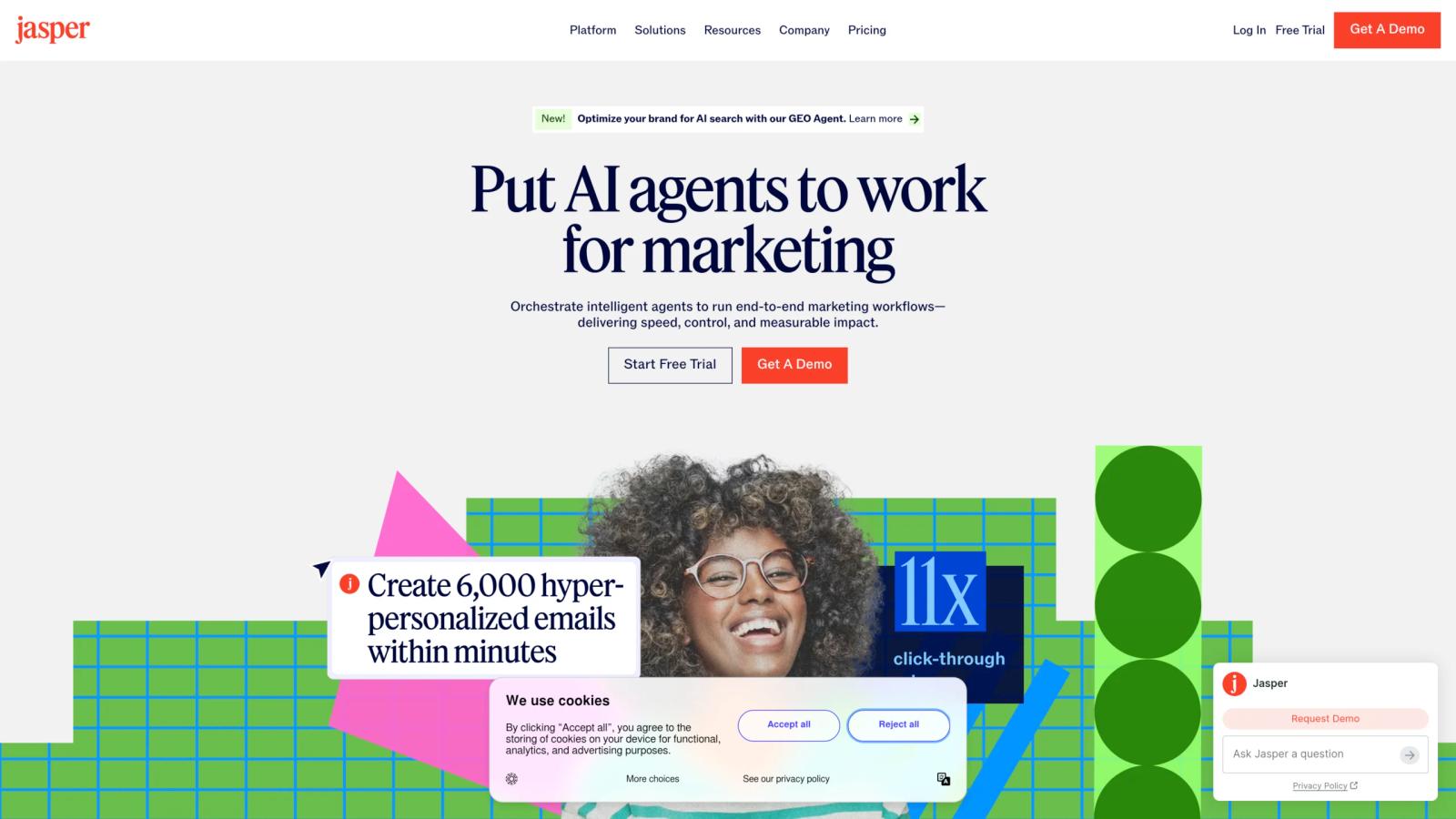
In addition to that, the Jasper AI extension, also known as the Jasper Everywhere Extension, works with 90+ apps. It works directly in Gmail. Therefore, you can draft and send personalized emails with a matching tone for every client and customer. It optimizes the content and boosts your ROI of every campaign. I recommend Jasper to create your ad copies and creatives. The extension knows the context and optimizes everything. Thus, your ad conversions go higher each time.
What Can You Use Jasper For?#
- Create ad copy for marketing campaigns
- Write personalized emails for customers and clients
- Generate social media content
- Create blog posts and marketing articles
- Develop campaign ideas and content concepts
- Rewrite and optimize existing marketing copy
- Adapt content to your brand voice
- Create product descriptions and promotional copy
- Improve messaging across different marketing channels
- Create content variations for A/B testing
- Support marketing teams with faster content production
- Optimize content to improve engagement and conversions
Who Should Use Jasper?#
Jasper AI Extension is best for marketers and brand communicators. It allows them to build creatives, write, and optimize each piece of content. So, each copy stays relevant and boosts brand value.
Otter AI#
Now, around 86% of corporate meetings are held online. Also, there are other meetings, interviews, sessions, and many more. But keeping track of the words and information is hard. That’s when Otter AI helps. It captures live transcripts and meeting notes. The extension captures spoken conversations and converts them into organized, searchable text.
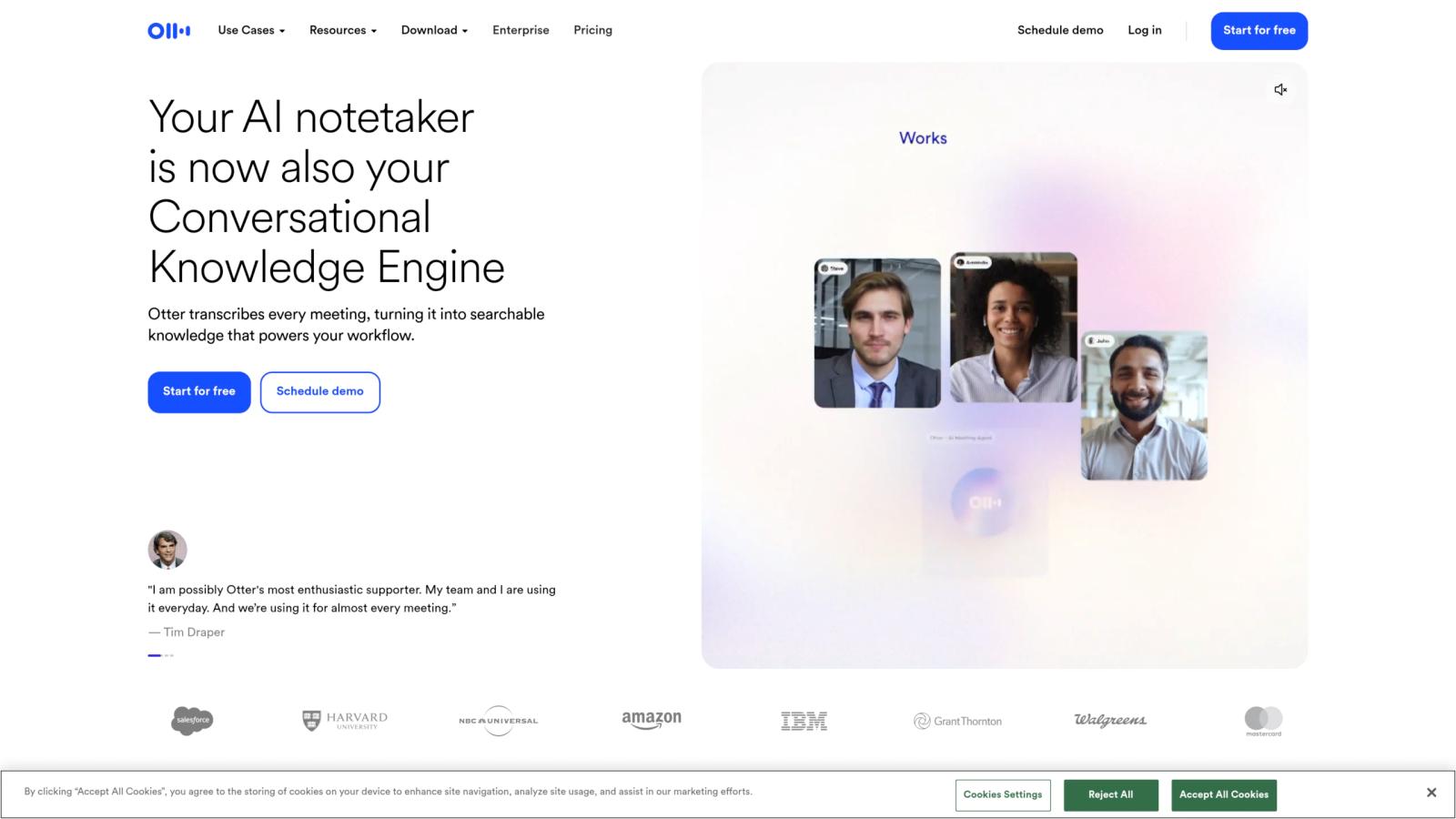
During the call, the AI Chrome extension gives you live captions and summaries. Therefore, you don’t miss a single thing in the meeting. After the meeting, you can chat with the AI to summarize and get instant answers. Again, it provides you with bullet points and action items just after the call. It has a no-bot feature for Google Meet and works across different platforms like X, Zoom, and other calls.
What Can You Use Otter For?#
- Transcribe meetings and online calls in real time
- Create automatic meeting notes
- Summarize long conversations quickly
- Identify key discussion points
- Generate action items and follow-ups
- Search through meeting transcripts
- Ask questions about previous conversations
- Review interviews and extract important information
- Keep track of presentations, sessions, and discussions
- Capture information without taking manual notes
- Review missed meetings through transcripts and summaries
- Organize important meeting information for later reference
Who Should Use Otter AI Extension?#
Business owners, HR managers, and employees are ideal for the Otter AI extension. Other than that, students and other professionals use Otter to easily get meeting notes.
Compose AI#
Compose AI is an AI-powered writing tool. It auto-completes the texts you want to write and saves you time. You can write faster, generate AI-generated text, and get AI-assisted suggestions, too. So, you can not only write better emails, but also chat faster with the autocomplete feature. All you need is just a few words to write a whole new email. Therefore, it is easy to customize emails for each of your clients.
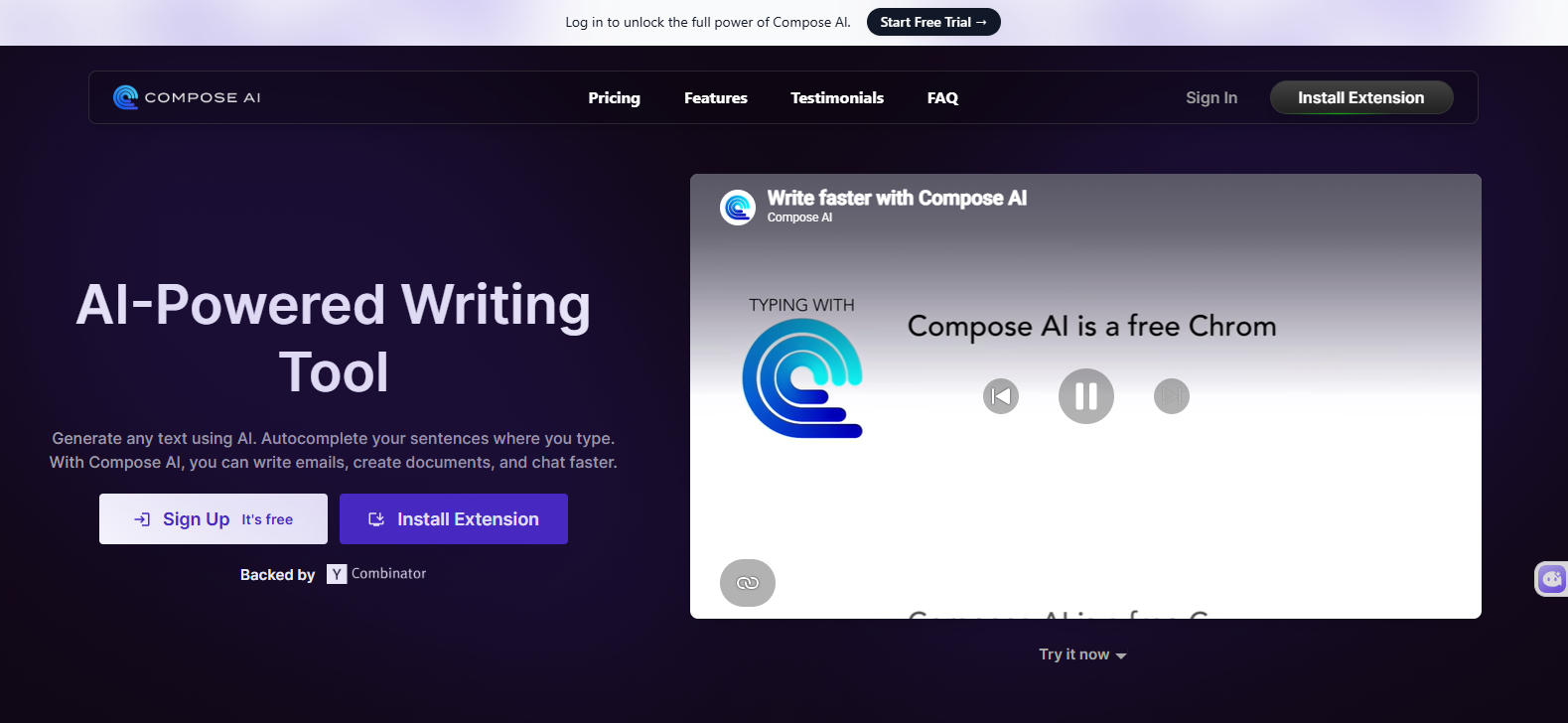
Not only that, Compose AI helps you create documents with different tones and language improvements. It gives you suggestions for rewriting or rephrasing the text to match the tone. You can reply to emails in one click. That’s how Compose AI makes your everyday writing tasks easier and removes the repetitive effort.
What Can You Use Compose For?#
- Write emails faster with autocomplete
- Generate complete emails from short prompts
- Create personalized client and customer messages
- Draft quick replies to emails
- Rewrite and rephrase existing content
- Adjust writing tone for different audiences
- Improve grammar, clarity, and sentence structure
- Create documents with AI assistance
- Generate responses for everyday conversations
- Speed up repetitive writing tasks
- Turn short ideas into complete sentences
- Improve and polish professional communication
Who Should Use Compose AI Extension?#
Compose AI is best for marketers, salespeople, and customer support teams. It gives them access to write in an accurate tone. Along with that, they can generate the whole email in one click and also chat faster.
Compose AI Extension#
Key Takeaways – Best AI Chrome Extensions#
| AI Chrome Extensions | Category | Best For | Standout Feature | Ideal Users |
|---|---|---|---|---|
| Monica AI | All-in-one AI | Everyday productivity | Multiple AI models and AI agents | Students, marketers, researchers |
| Claude AI | AI assistant | Research and coding | Browser-based AI assistance | Professionals, developers |
| Merlin AI | Multi-model AI | Research and content | Access to multiple AI models | Students, writers, professionals |
| Aymo AI | Multi-model AI | Research and comparison | 40+ AI models in one place | Teams, professionals, coders |
| Perplexity AI | AI search | Online research | Answers with citations | Researchers, students, professionals |
| QuillBot | Writing assistant | Rewriting and editing | Paraphrasing and writing improvement | Students, writers, marketers |
| Jasper | Marketing AI | Marketing content | Brand-focused content creation | Marketers, agencies, businesses |
| Otter AI | Meeting AI | Transcription and notes | Live meeting transcription | Teams, managers, professionals |
| Compose AI | Writing assistant | Faster writing | AI autocomplete | Sales, marketing, support teams |
Final Words#
AI Chrome extensions make everyday browsing and tasks much easier. You can use the tools right on the tab you are working on. It helps you with research, writing, emails, and even meeting notes. Also, the extensions summarize the pages and automate repetitive tasks. The browser extensions bring the AI assistance directly into the browser and handle workflows regularly.
By now, you know that different extensions cater to different needs. You don’t need all of them, or you can’t go with only one. Like, if you want to use multiple AI models, go with Monica or Aymo AI. Then, if you want writing suggestions, QuillBot is there. Based on your tasks, you can use different extensions and make your workflow efficient regularly.


 Vinish Bhaskar